 optionOSoptionOS
 Download
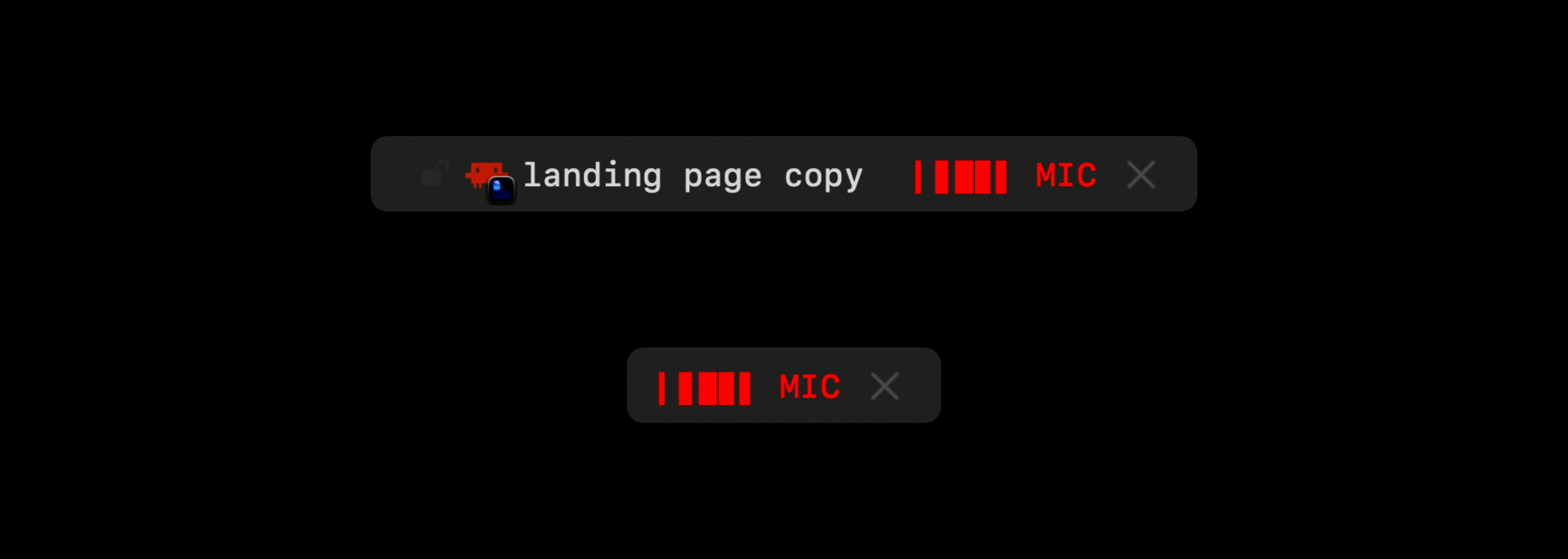
Show what is on your screen while you talk, drop what you copied right where you said it. Claude Code starts without asking what you meant.
Or paste this to your agent: brew install --cask yemreak/tap/optionos
Apple Silicon (M1 or later) · macOS 15 or later · does not run on Intel Macs or Windows
Today: you describe what you see.
“The blue button at the top right… no, the one below it. In the second screenshot, next to the middle card. Same place as the text I pasted above…”
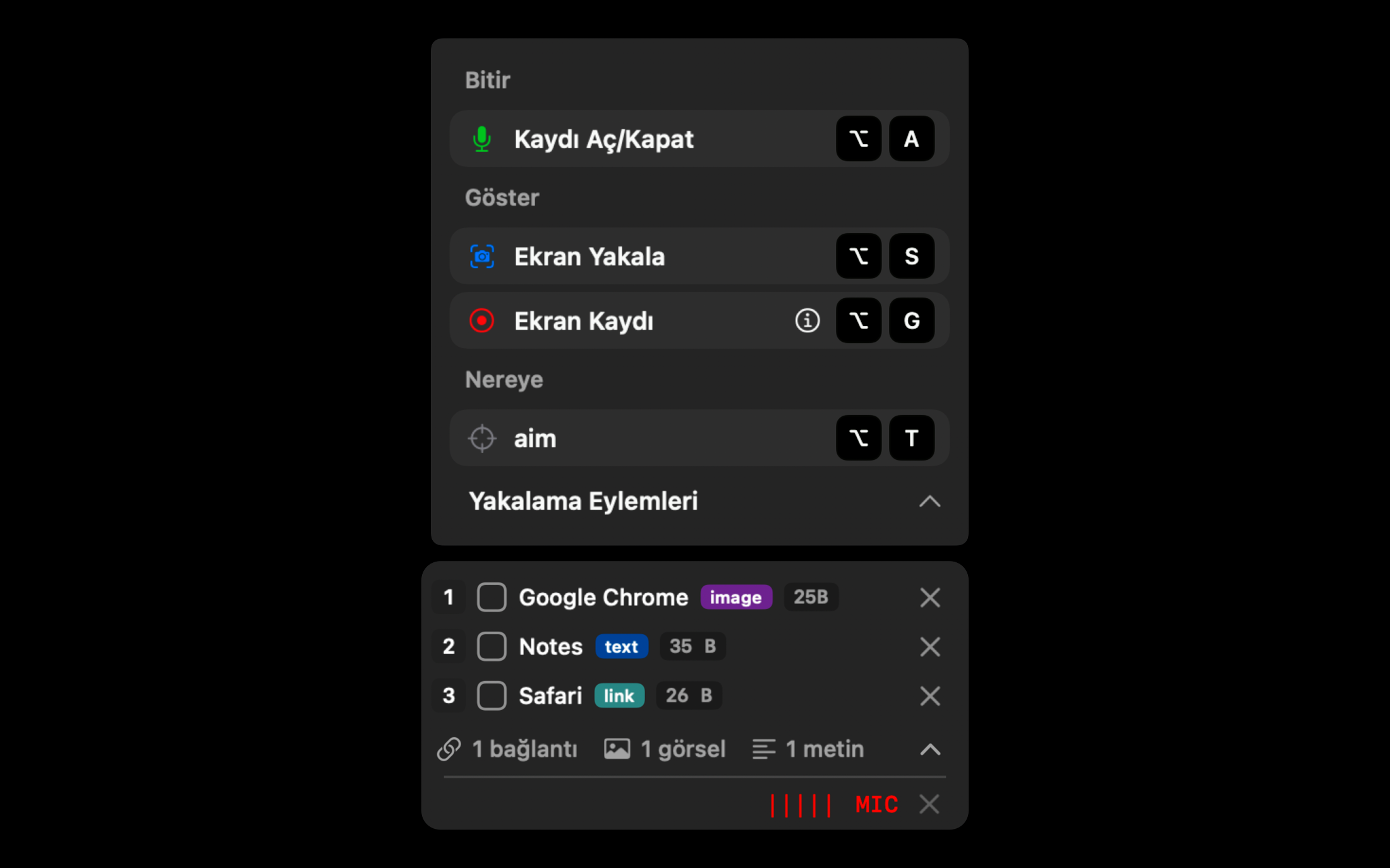
Start talking ⌥A

The cursor follows you


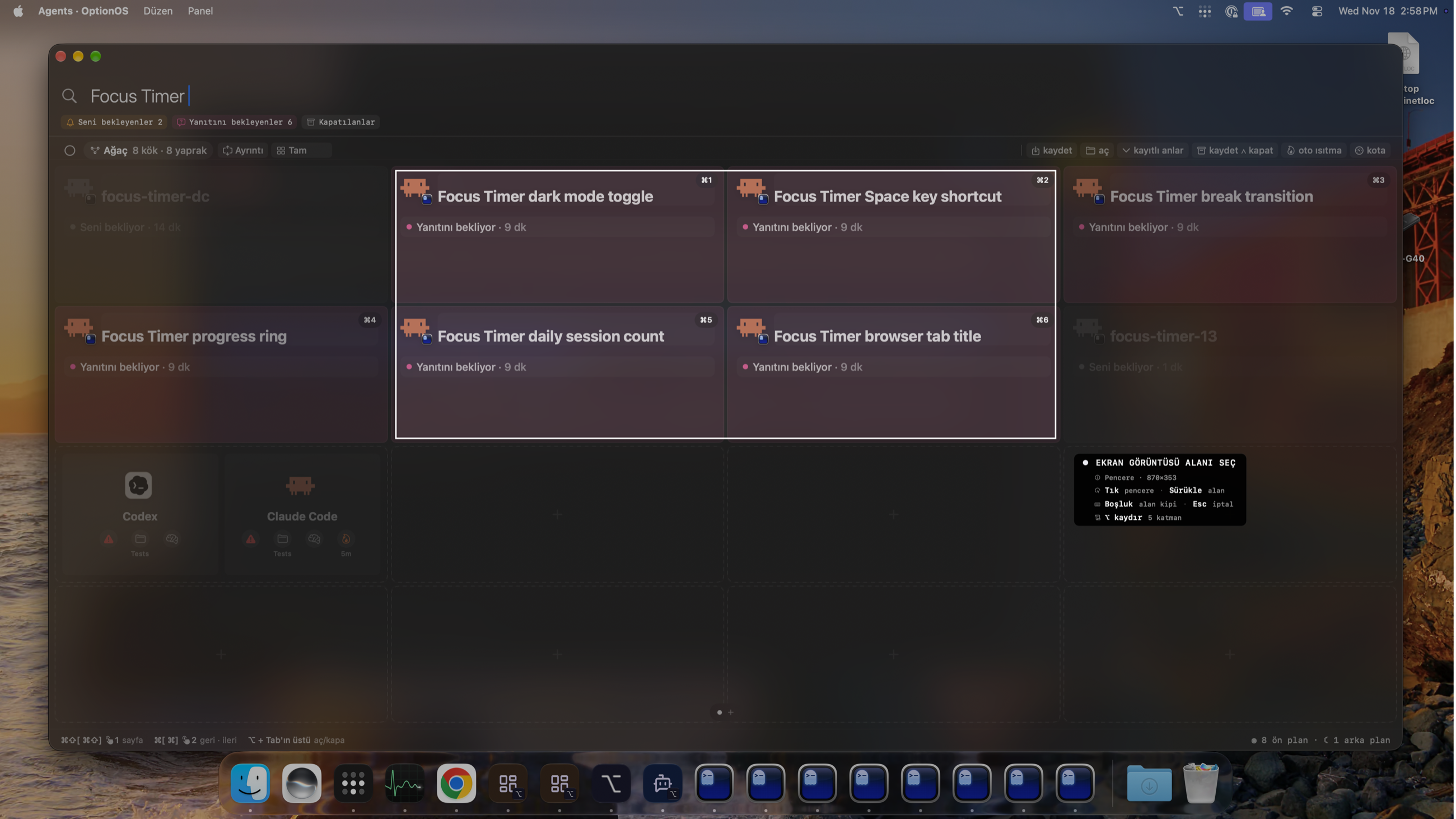
Take a shot of your screen

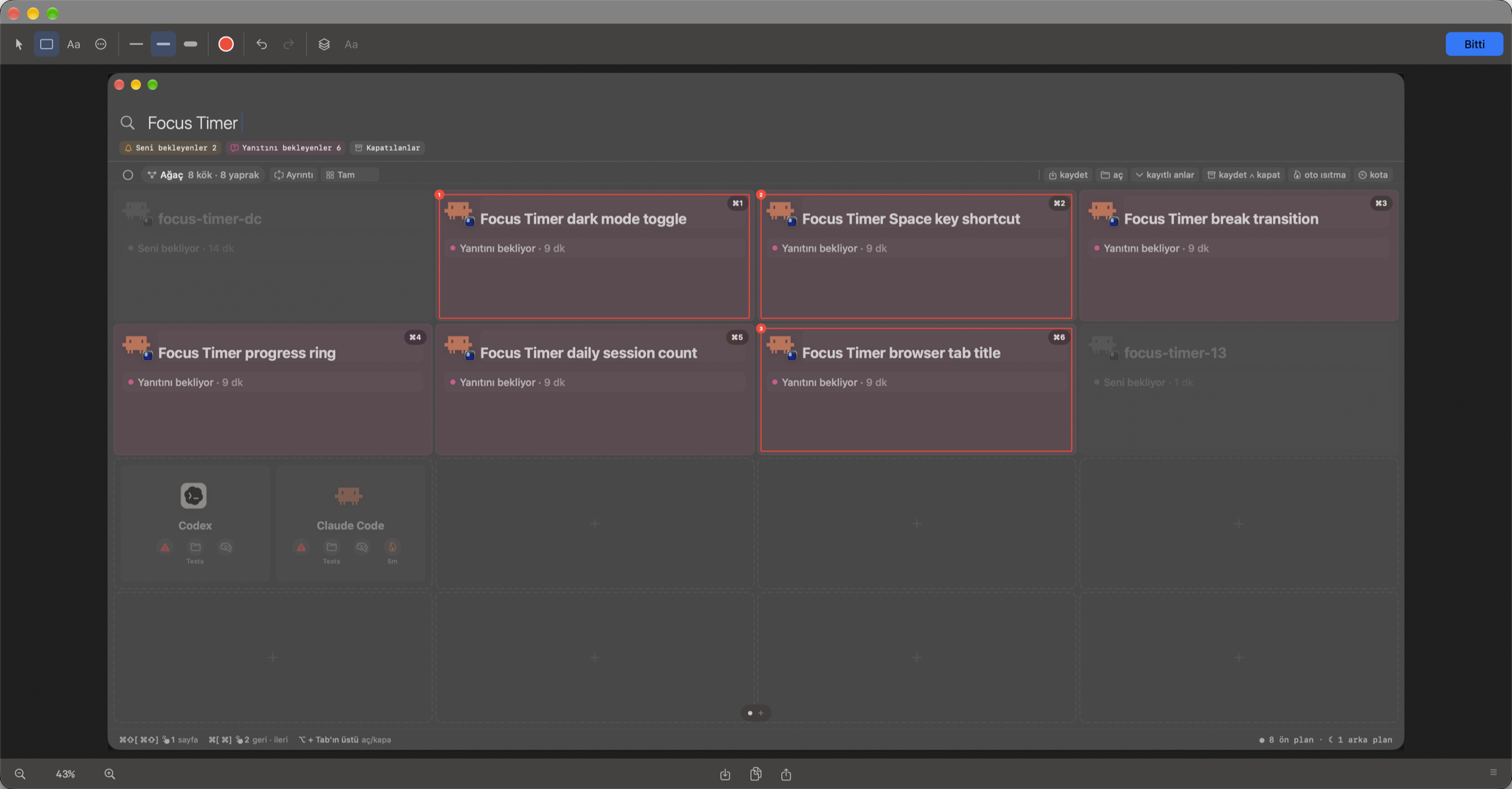
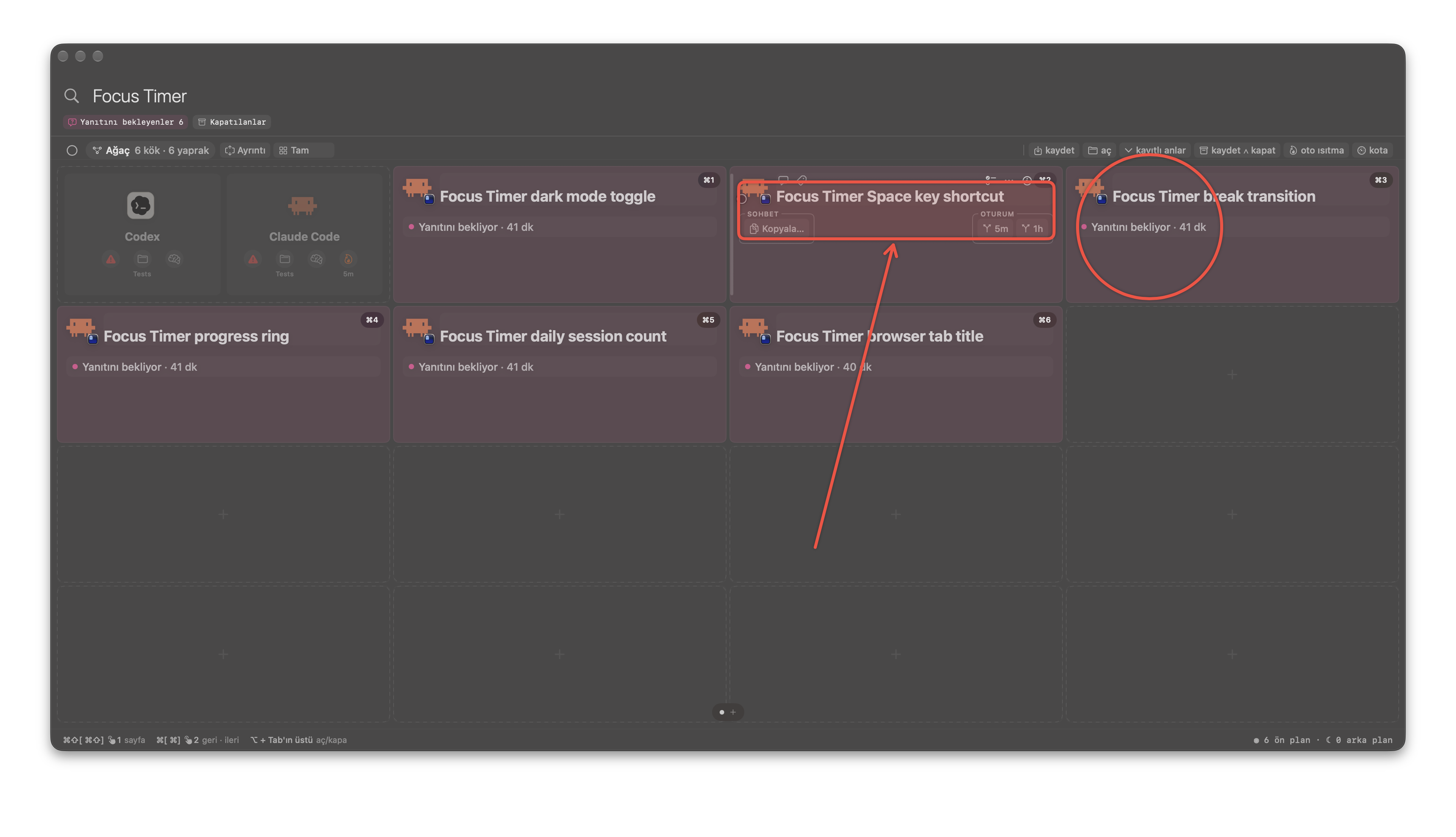
Box it, number it

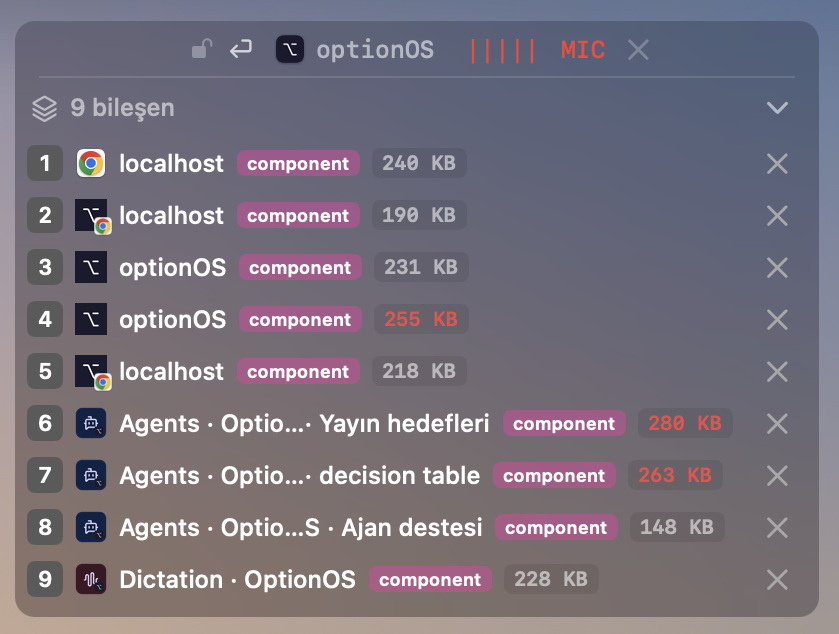
Copy from any app
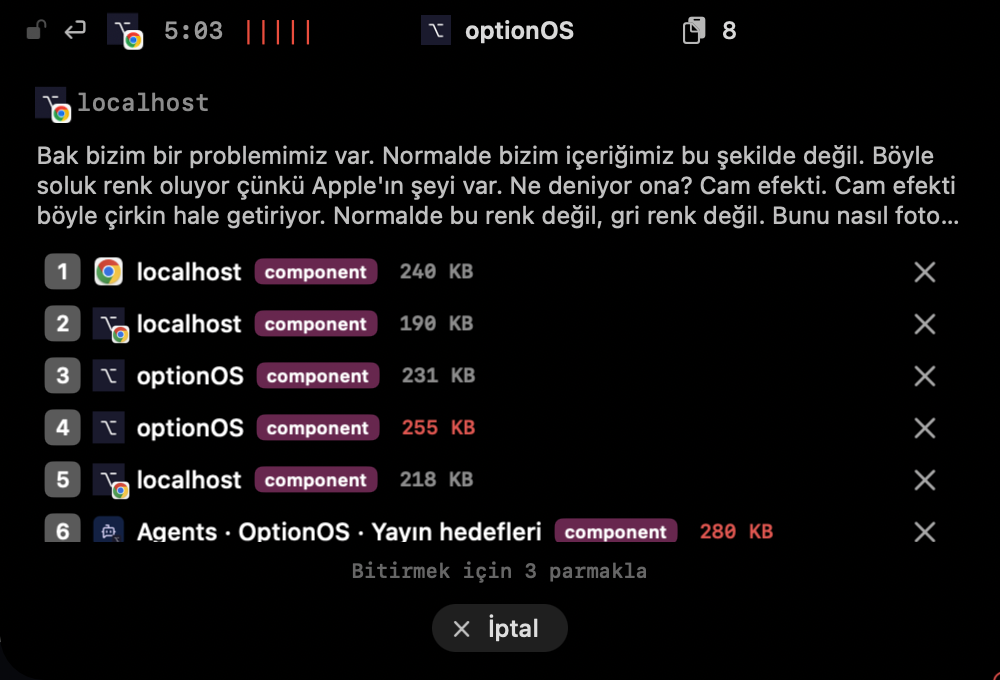
What you copy joins your words

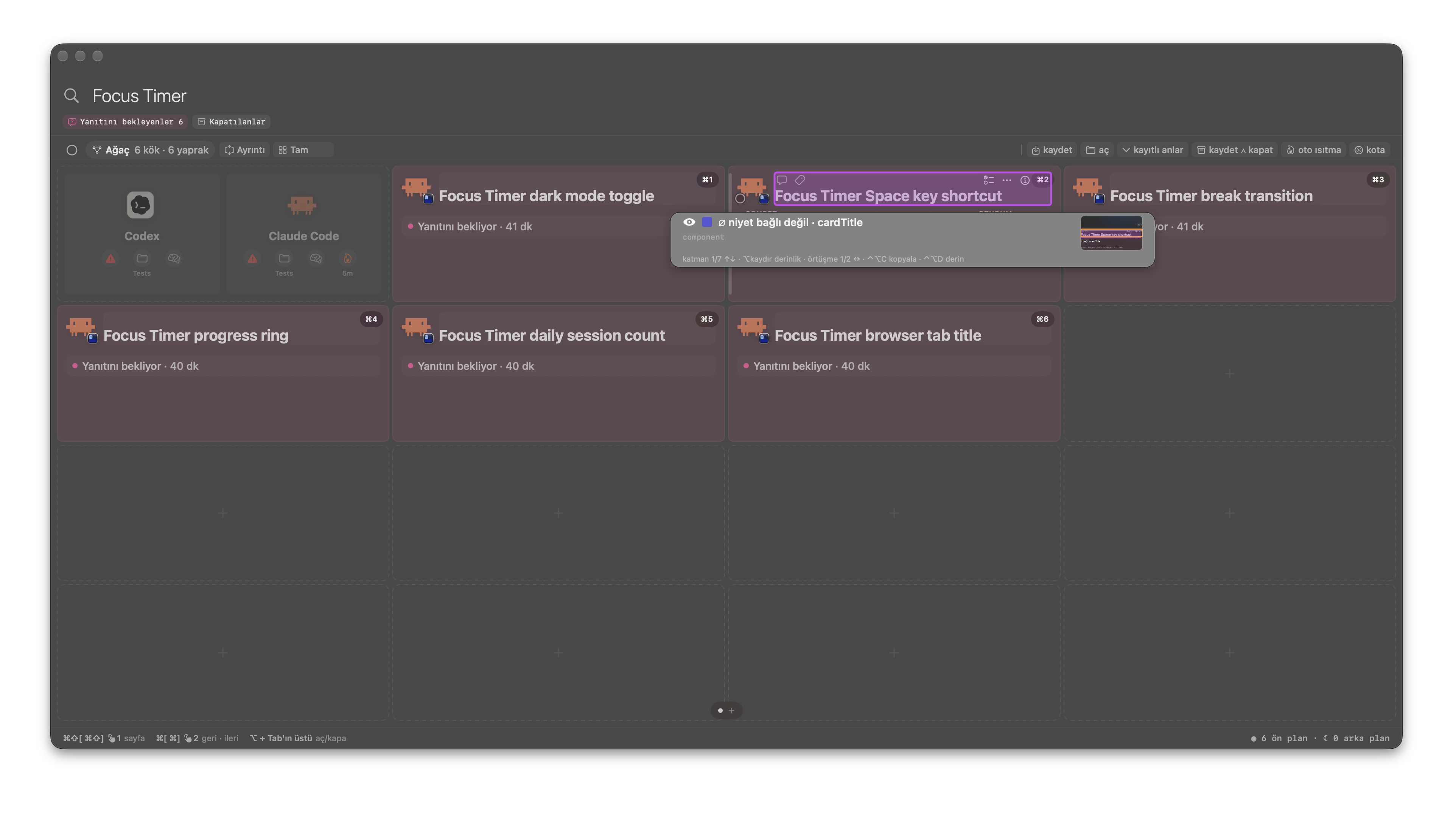
Hover a part, click it

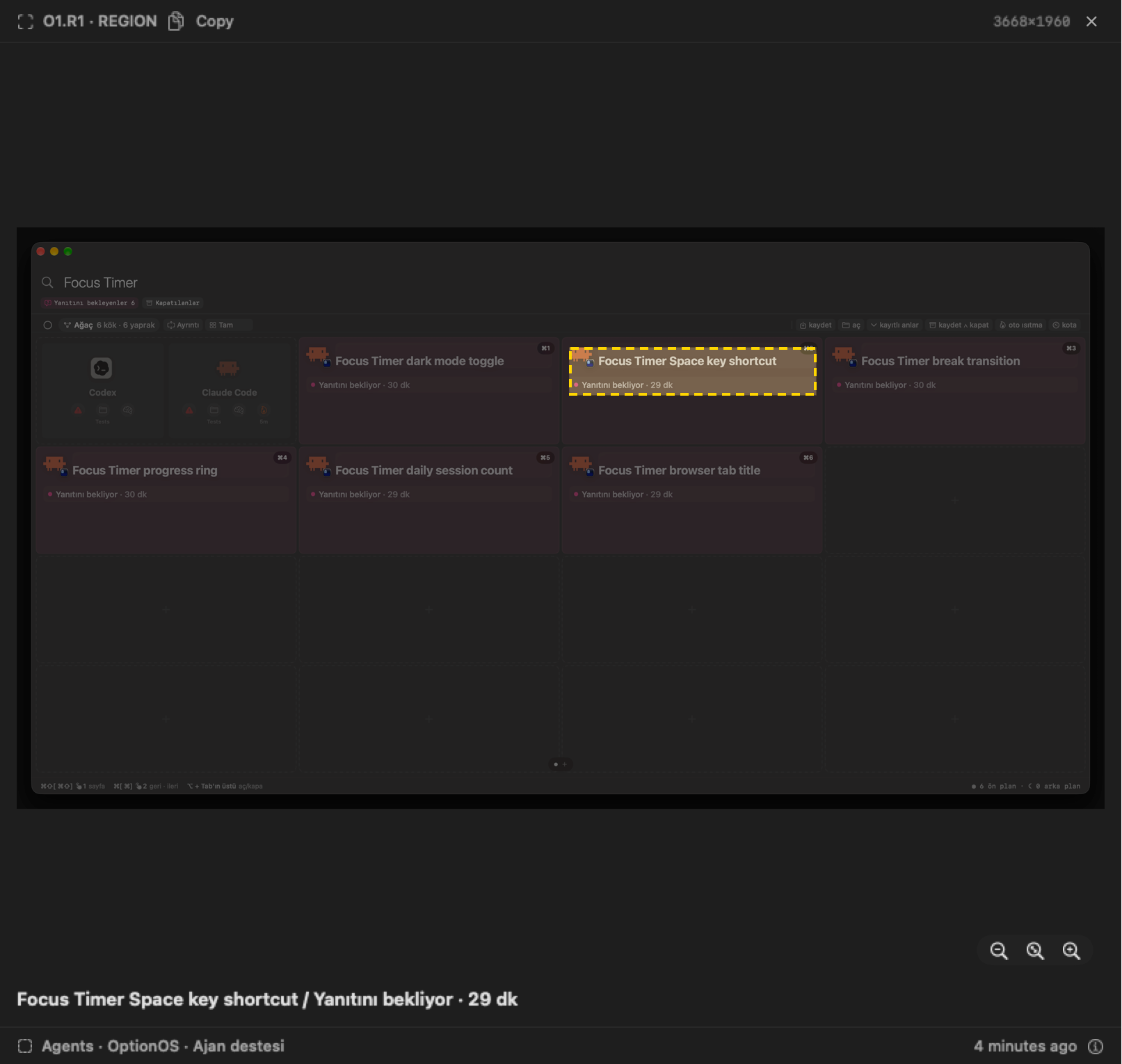
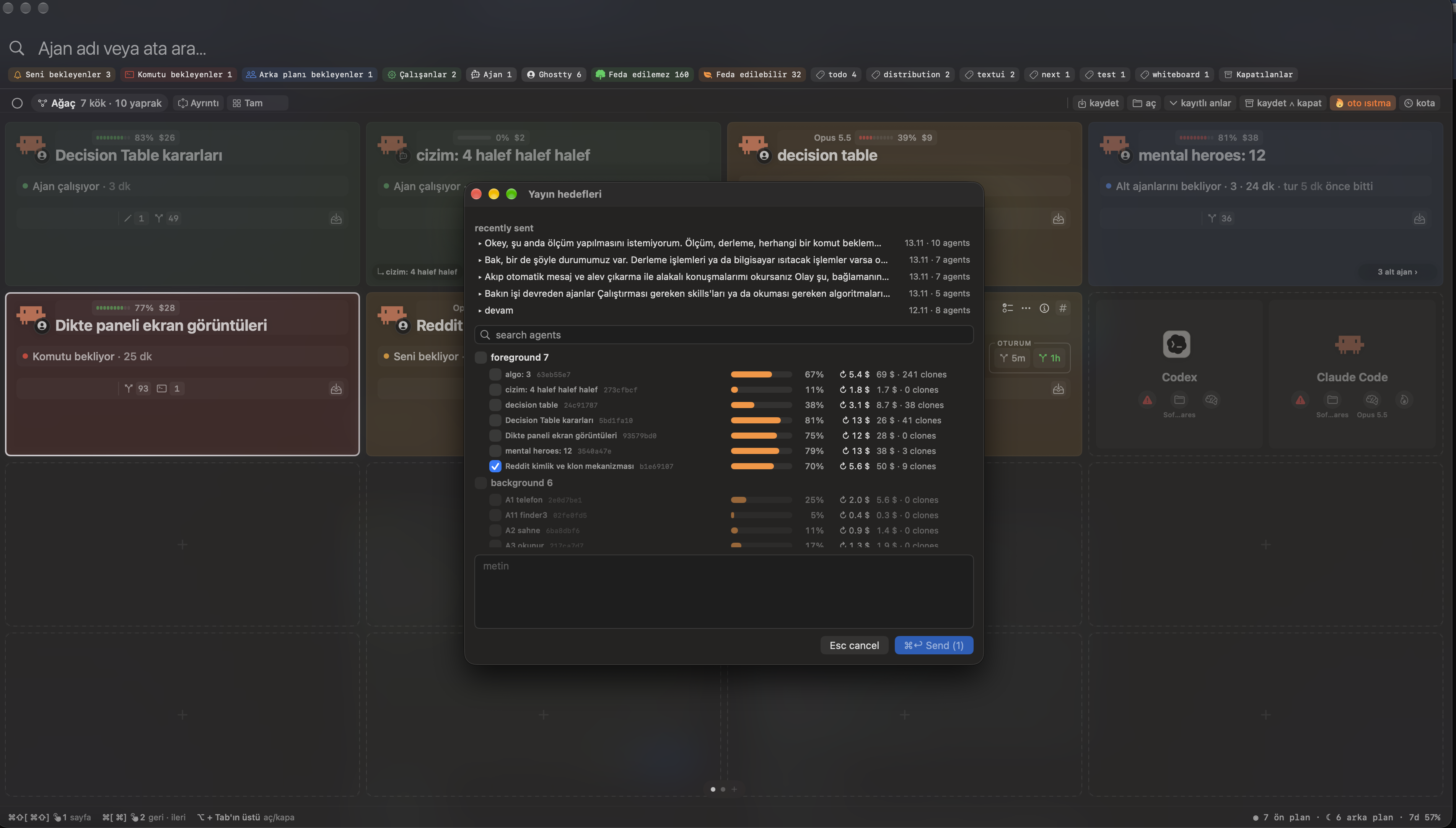
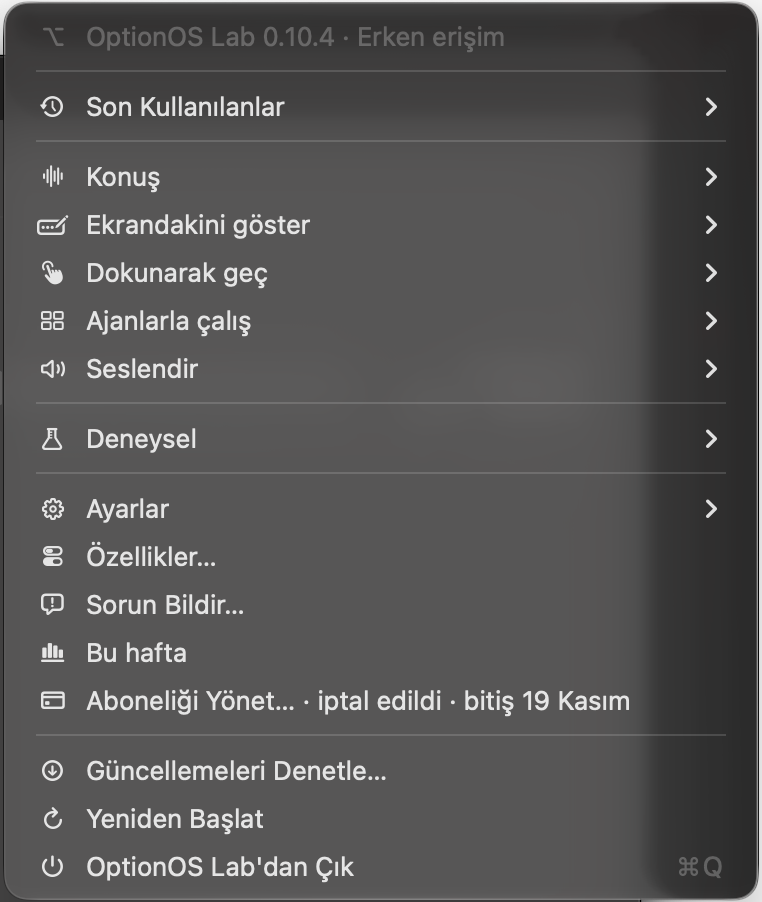
Open the agents deck

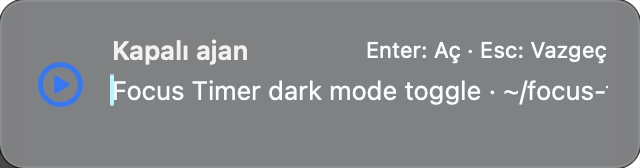
Click an agent: its Claude Code opens
Click the top-right corner: your words land in the agent

This is what Claude gets.
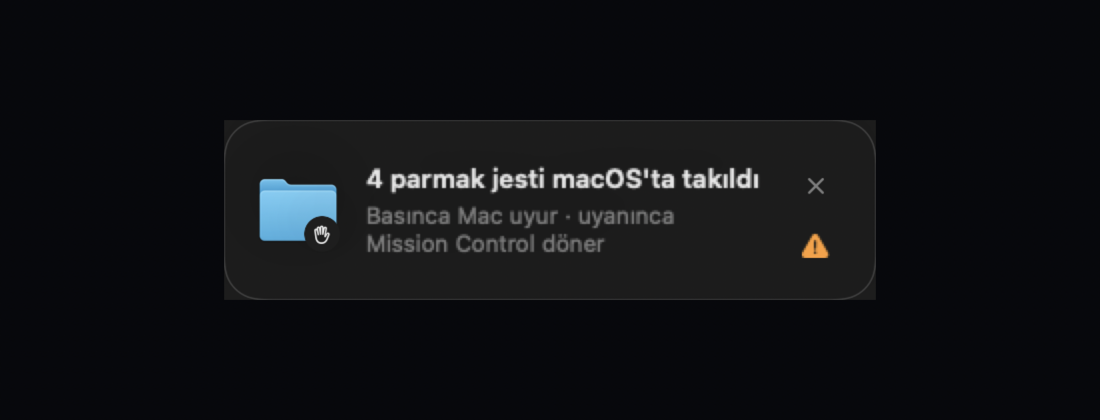
Three-finger hold: your past talks

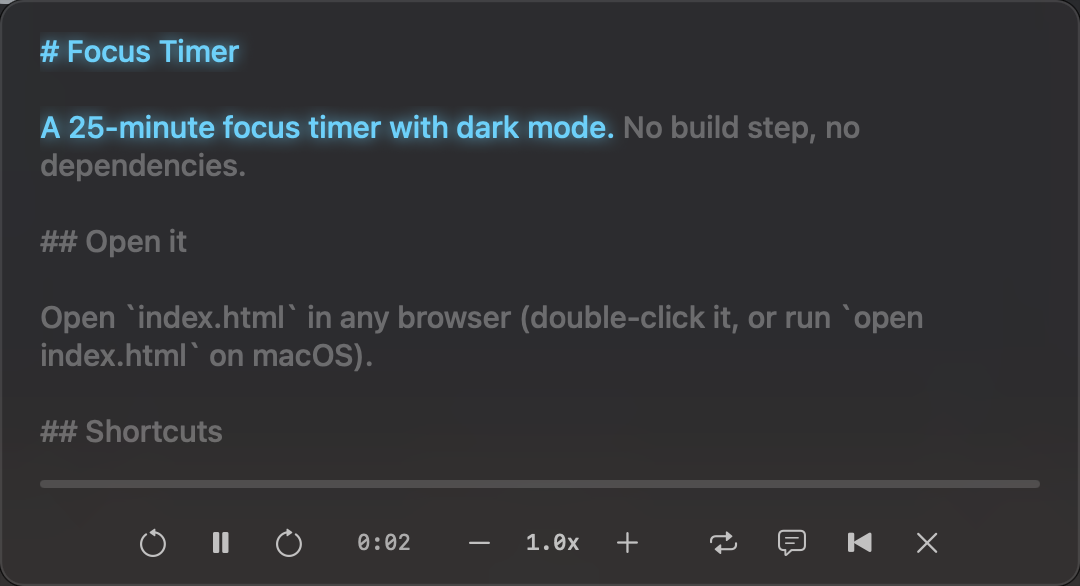
Select the agent’s reply, listen ⌥⌘A

Listen instead of reading

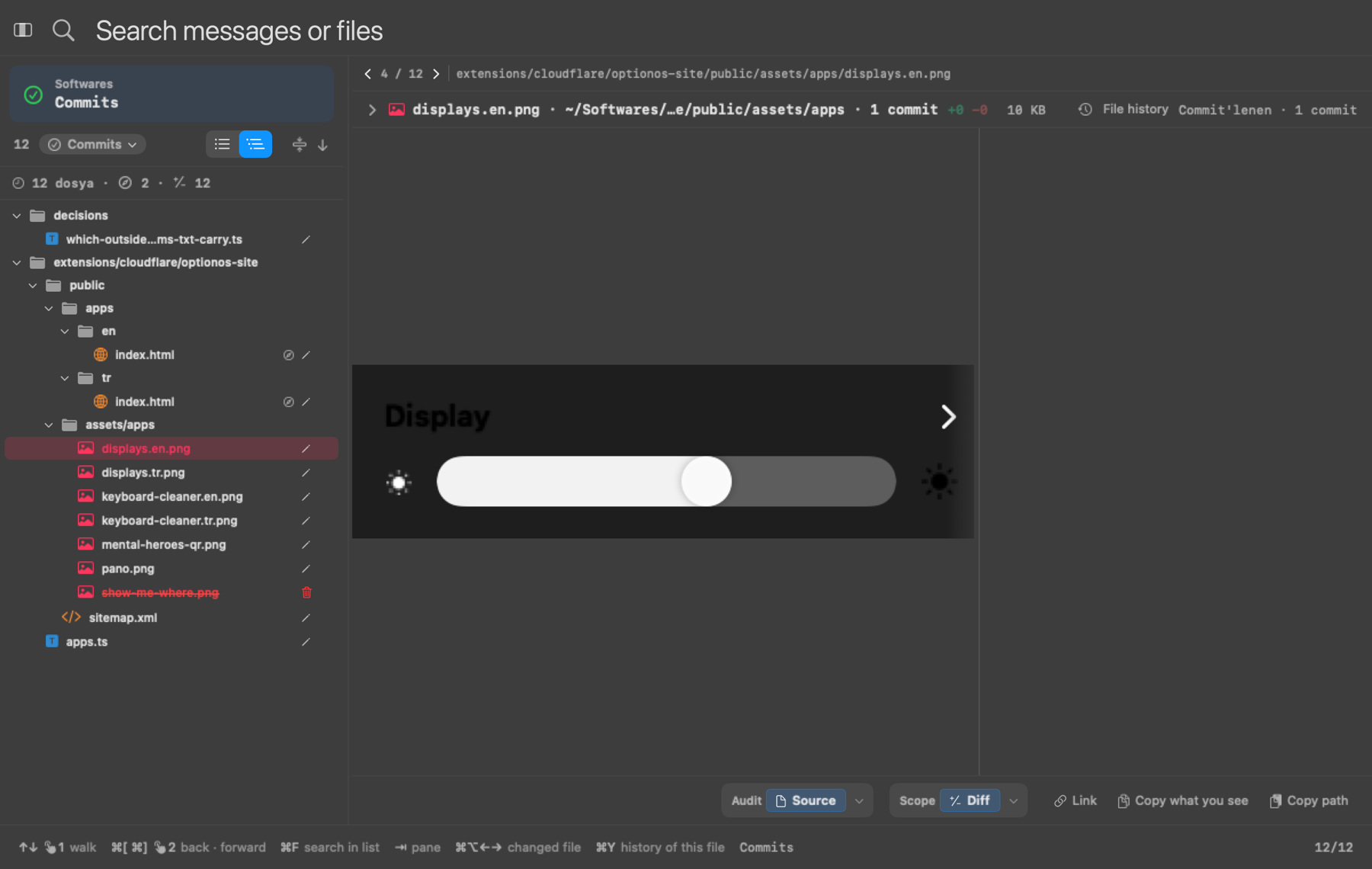
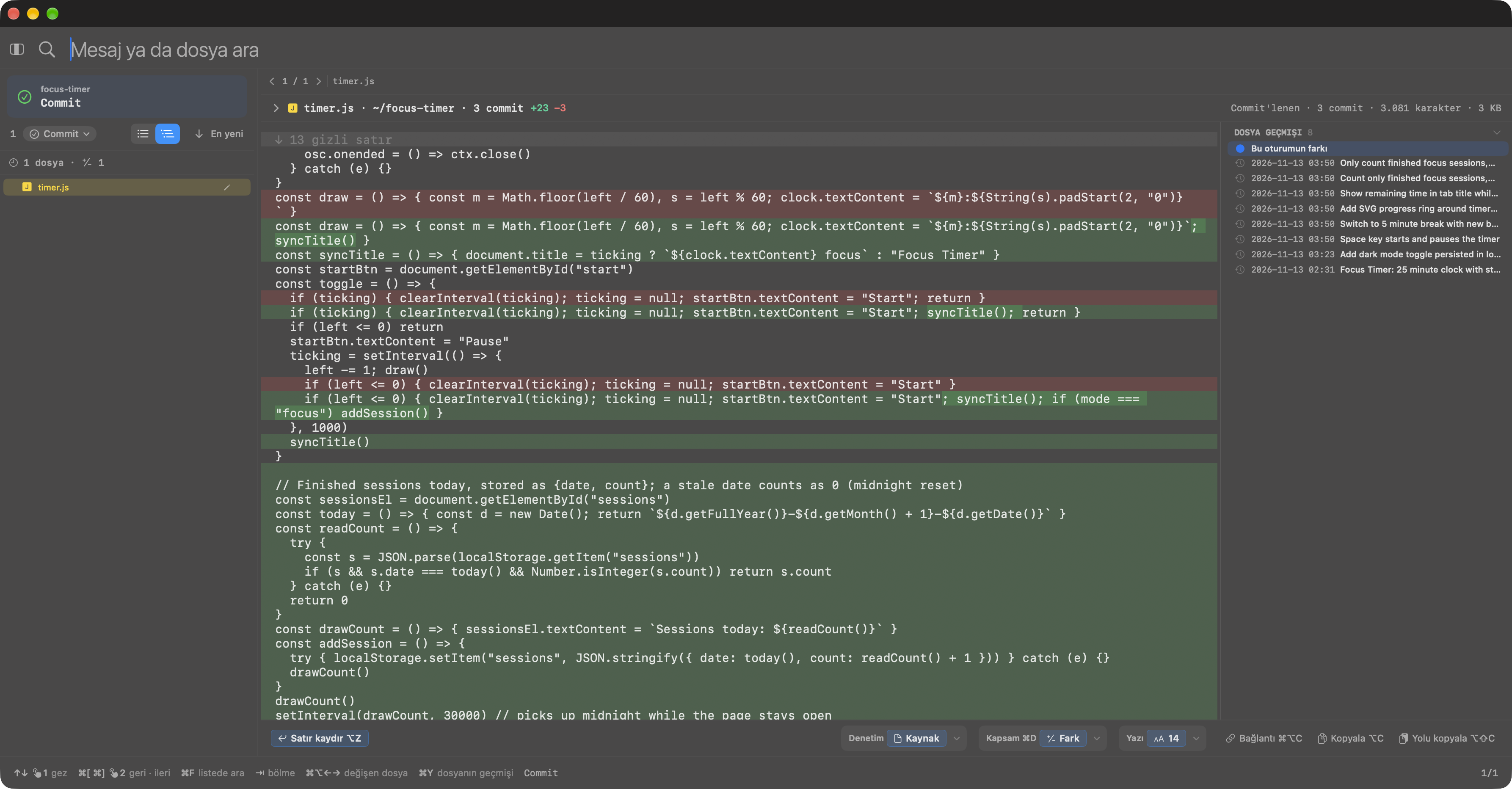
Click the commit link your agent gives you: every changed file opens in one window
Off your mind. Back in your flow.
 Claude
 Code

What you are looking at goes inside your words. No “which one?” coming back.
No typing, pasting or hunting for windows. You talk, tap and keep going.
Which agent is doing what, and what it costs: on one screen.
What you copy and point at while you speak goes with your words, to the agent you meant.
Stop talking — the text is already there.
Start dictation
Copy while you talk
Choose where it goes
Claude Code CodexClaudeClaude Code~/site
❯ make the login button like this O1 but the same color as that O2
● Looking at the button in O1 and the color in O2.
delivered · Claude Code · 1 message · 2 attachments
Every copy and screenshot sits inside your sentence, right where you said it. What you copy on your iPhone arrives too.
Counted on the maker’s Mac, 7 days.
Today: you do this for every copy.
× for every copy
Copy while you talk. That is all.
This is what Claude gets.
Capture the screen, box a spot: your agent gets the thing you are looking at, in a Mac app or on the web.
Image, scrolling page, video: all travel the same way.
Capture and draw on it
A web page. Every part recognized.

This is what Claude gets.
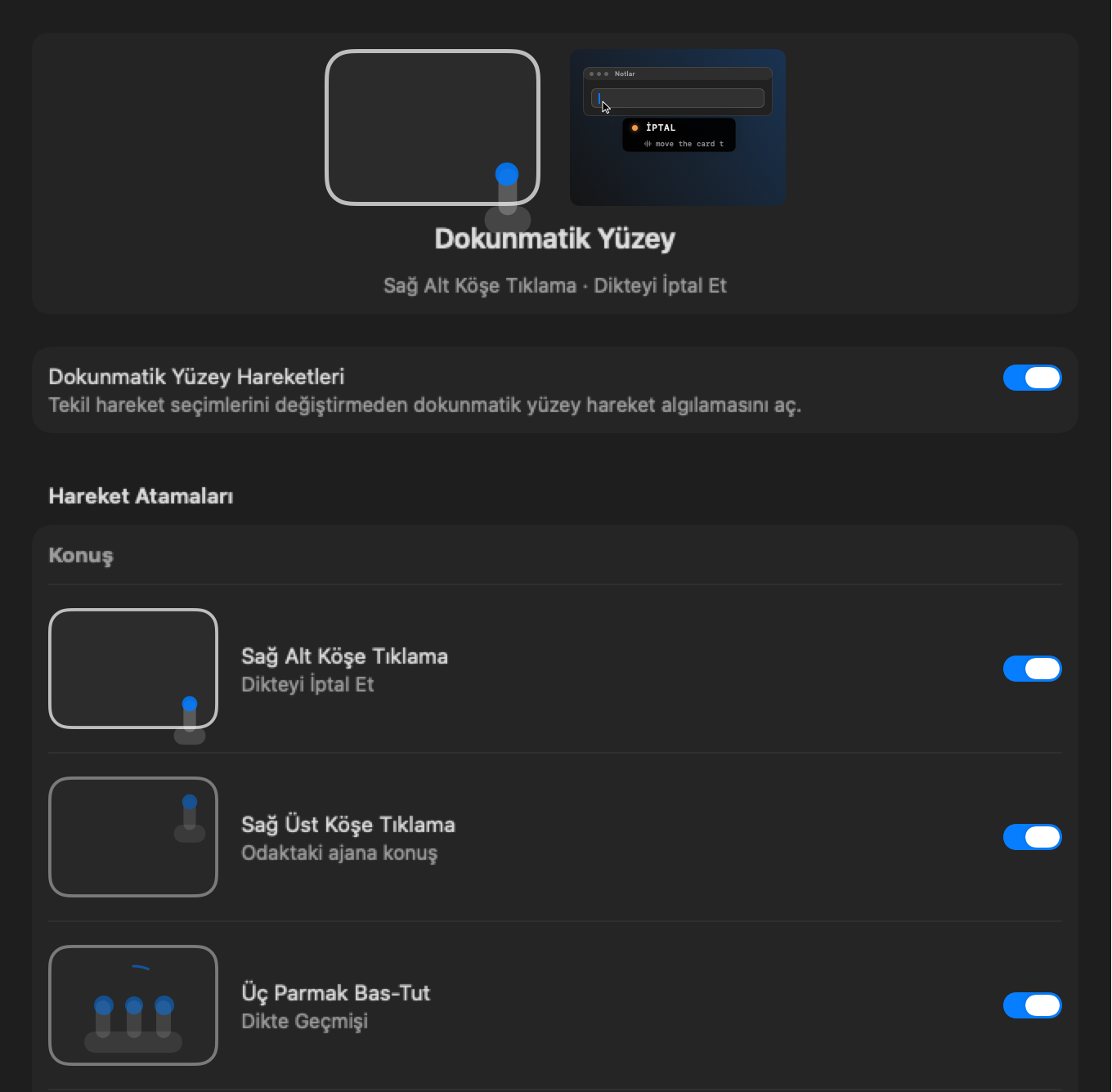
Click a corner to start talking. Rest one finger, tap beside it: next tab, next agent.
Tab to tab
Back, forward
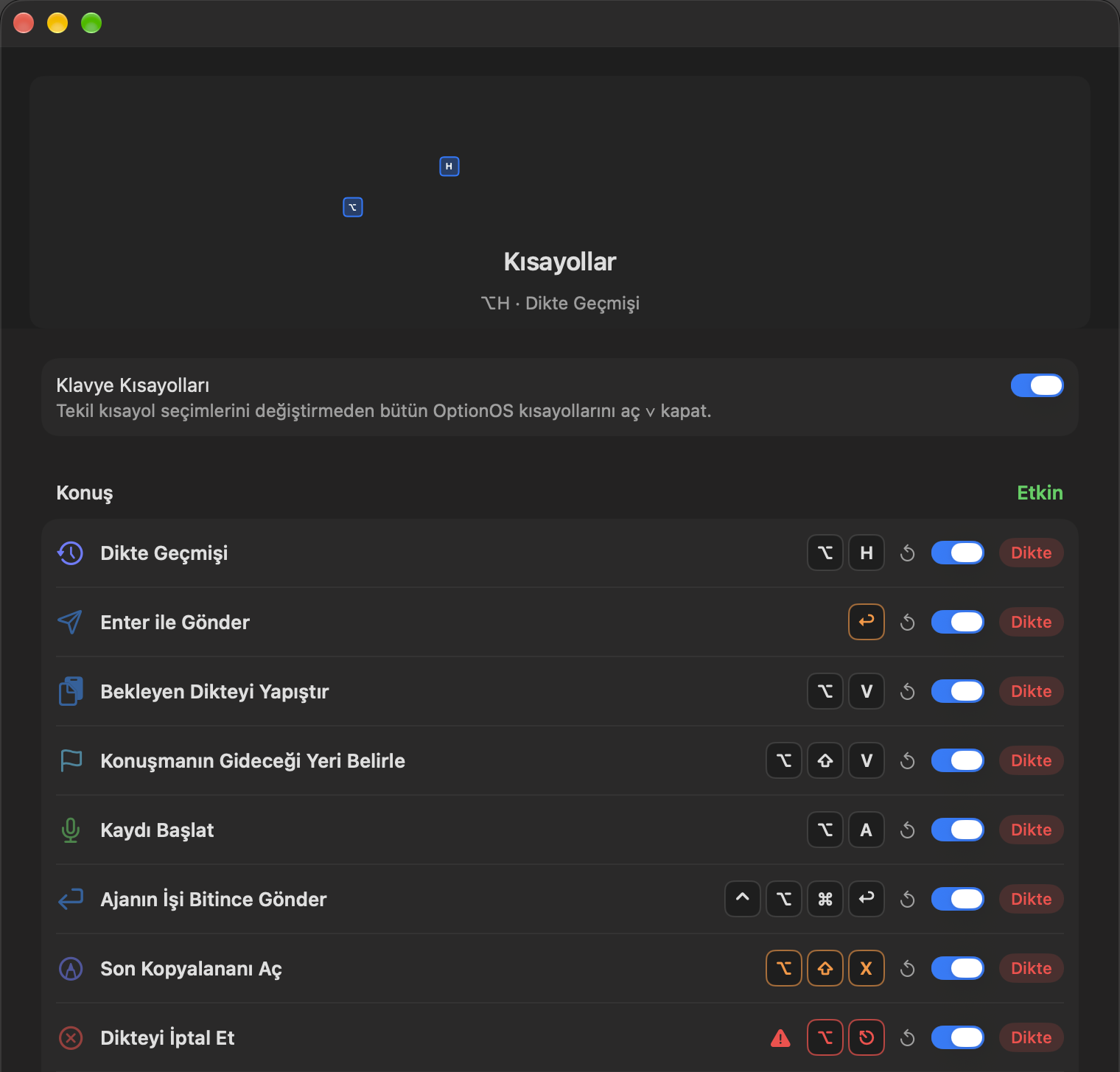
Every gesture is your choice.
All your agents on one screen, like Launchpad. Tap a card and you are in that agent.
All your agents.
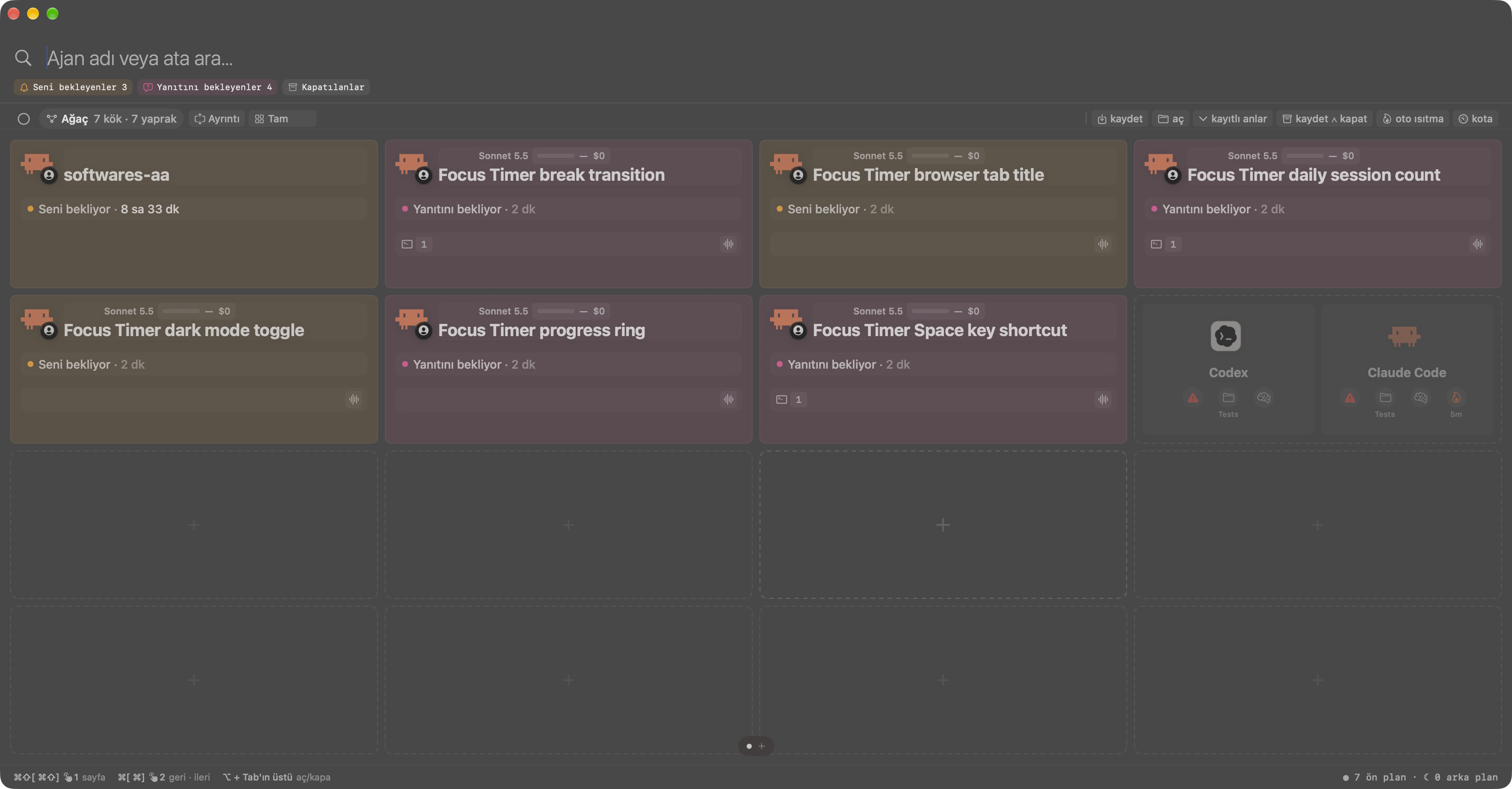
Open the deck
Tap. You are in that agent.
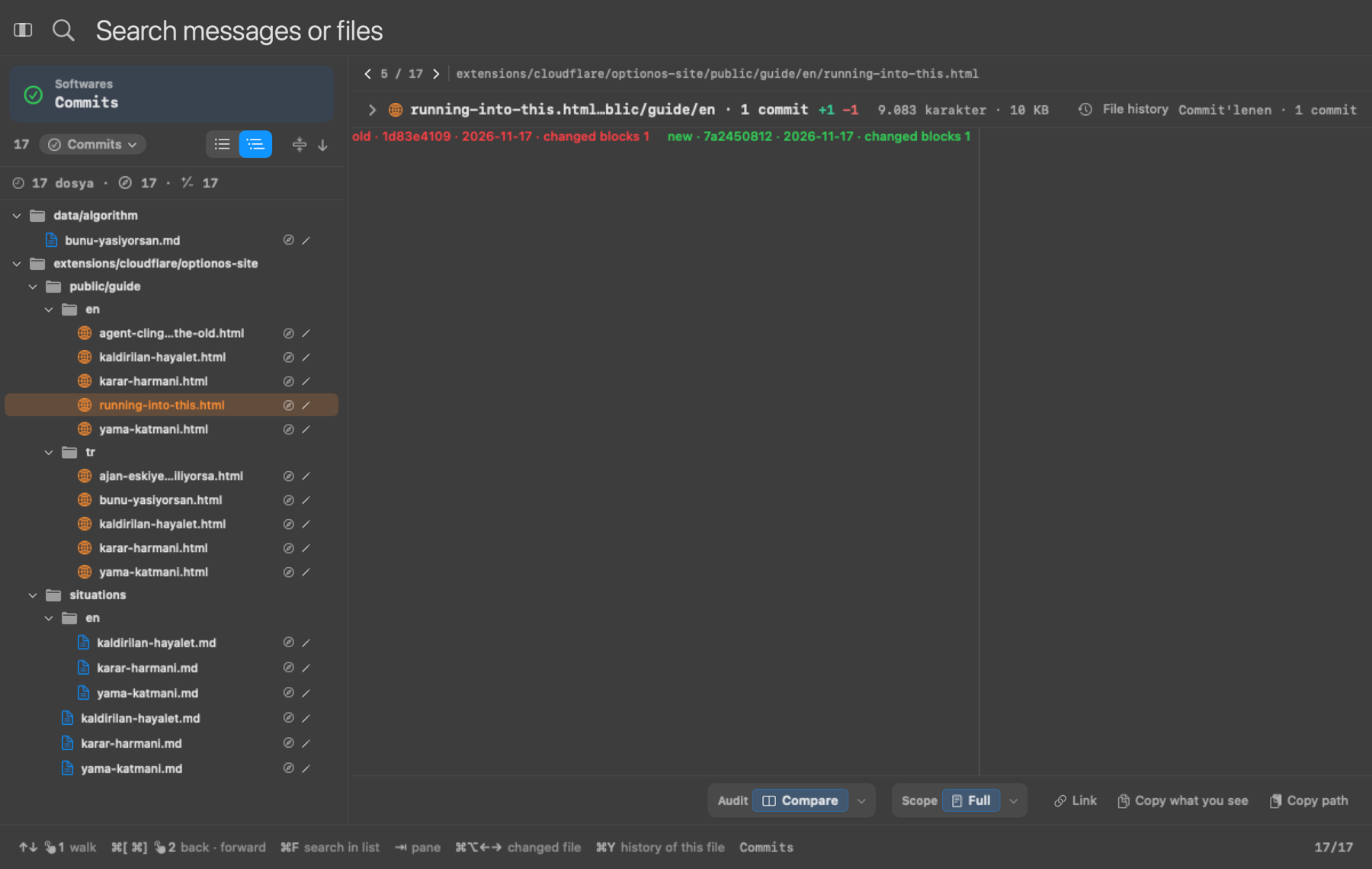
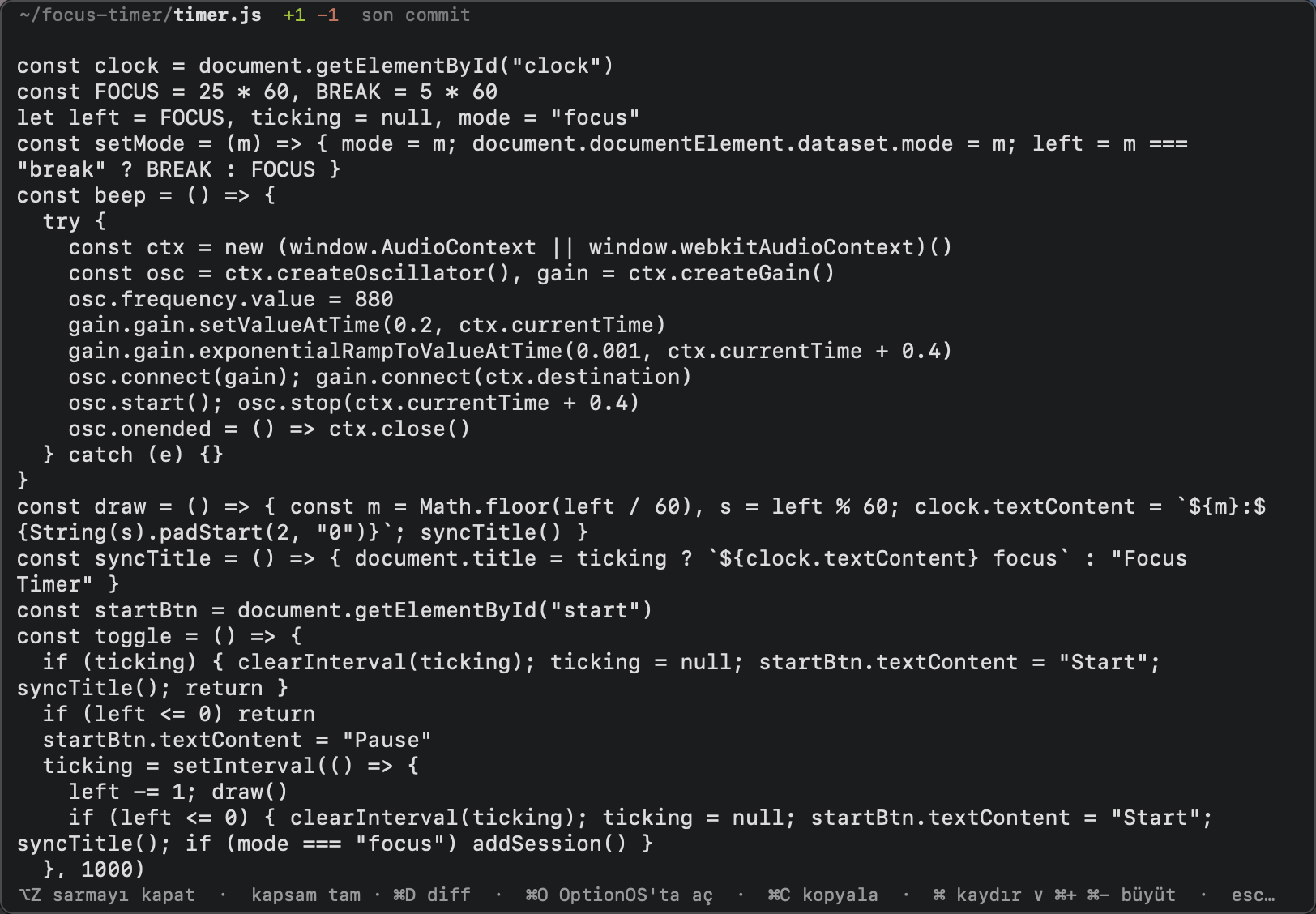
Click the commit link: every changed file opens, and a changed page shows the way your users will see it, beside the old one.
Today: you take its word for it.
× every commit
Click the link. Every file opens.
The way your users will see it.
When one agent stalls, fold the whole conversation, images included, into one pack. A fresh agent picks up where it left off; the old one stays in its tab. Nothing retyped.
The whole conversation, layer by layer.
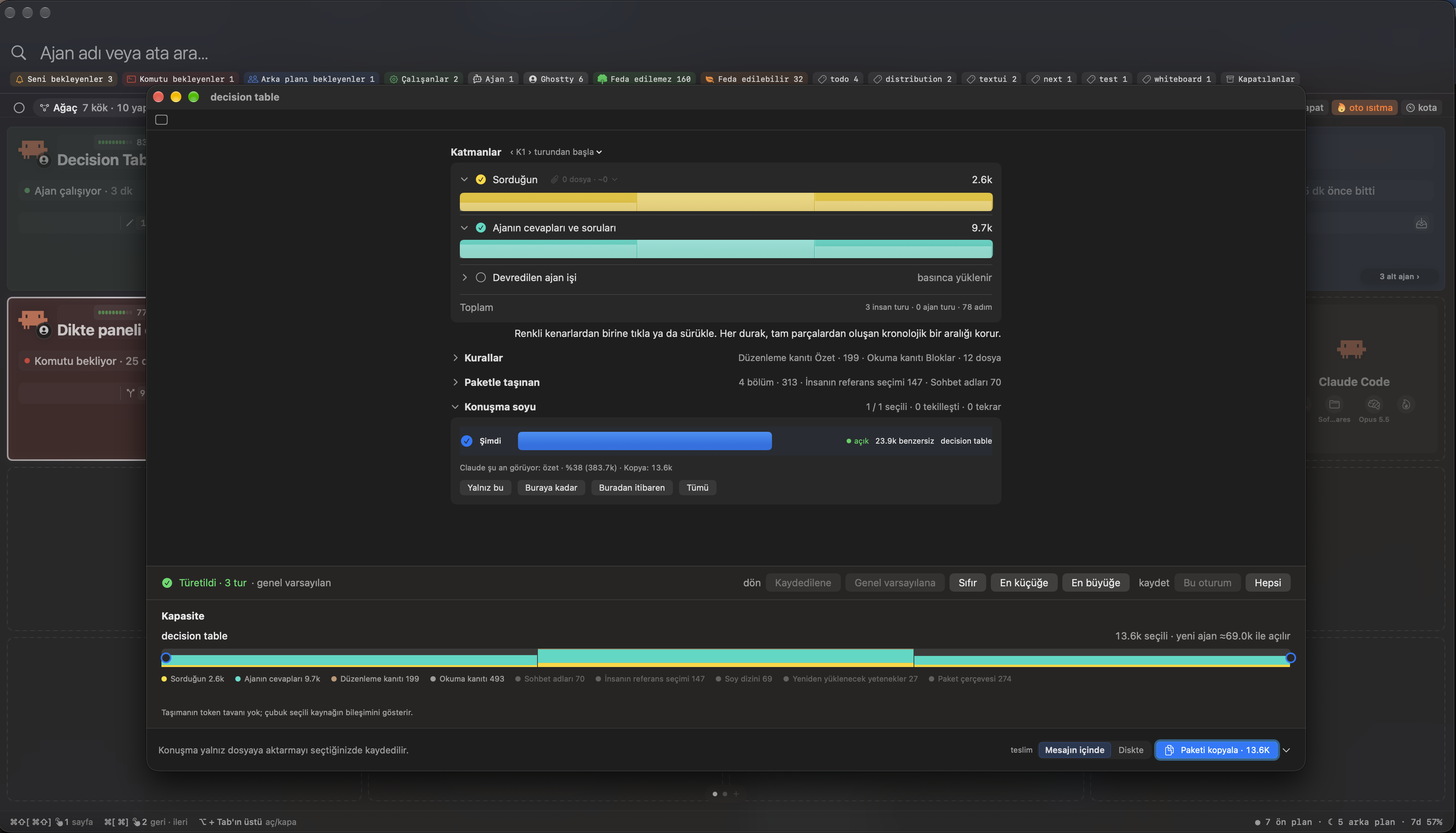
Fold it.

Yunus Emre Ak (@yemreak) builds optionOS by talking to his agents. This page was made the same way: beside it, the real screen of that conversation. GitHub →
One conversation.

This page.

Every picture here is optionOS itself, captured on a Mac. All screens →




Apple Silicon (M1 or later) · macOS 15 or later · does not run on Intel Macs or Windows