
Annotation

You want to point at it while you talk, not describe it.

Download for Mac
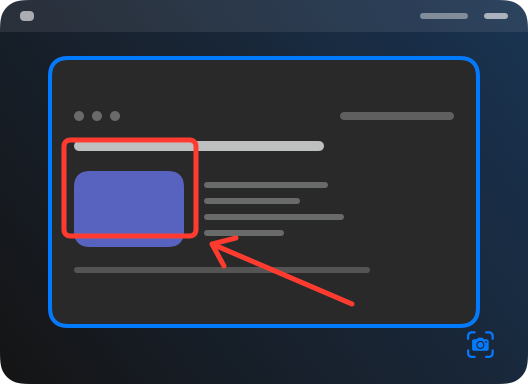
Draw on the image, the AI sees exactly that spot
Draw on the image, the AI sees exactly that spota frame and an arrow
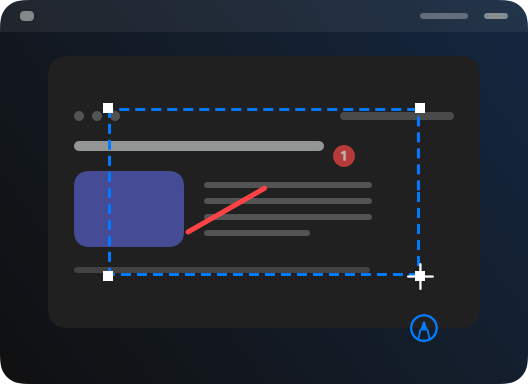
Every mark numbers itself
Every mark numbers itselfthe markup editor
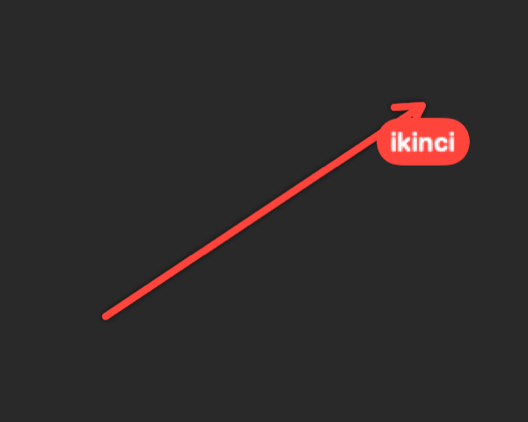
The agent draws numbered marks on your screen too
The agent draws numbered marks on your screen toothe agent's arrow, drawn
Draw on the image, the AI sees exactly that spot
Draw on the image, the AI sees exactly that spotthe capture opened to draw on

At your fingertips

Screenshot + Annotate ⌥⇧SLightthe AI sees exactly what you point at
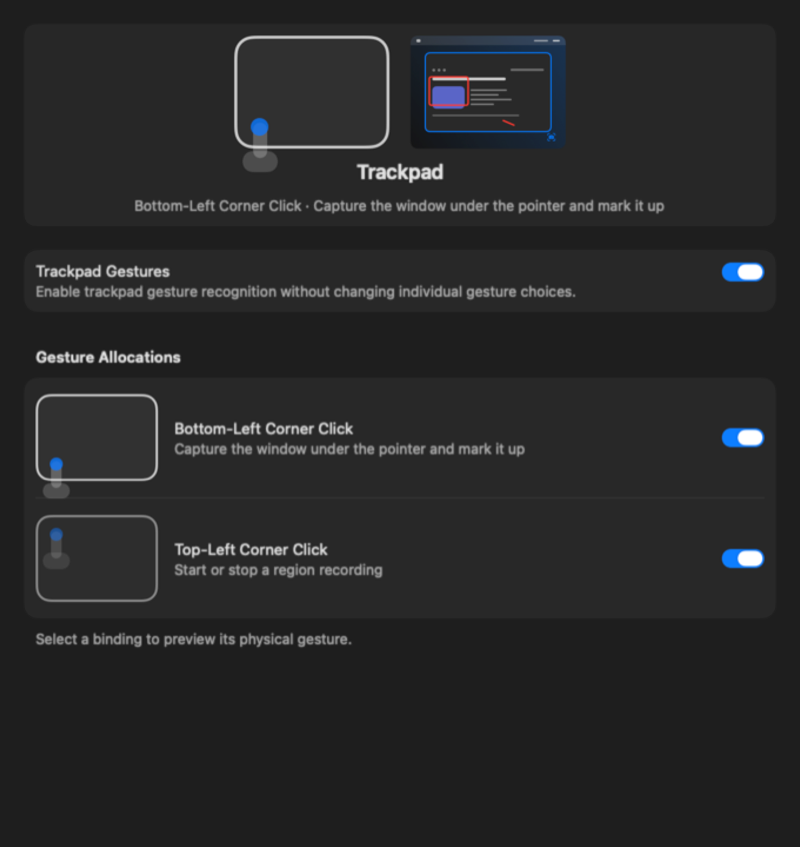
Open the markup editor

What you get

  • Everything joins your speech in the order you said it, numbered; the AI knows what you showed and when
  • Draw on the image, the AI sees exactly that spot
  • Every mark numbers itself
  • The mark is tied to your speech the moment you place it
  • The agent draws numbered marks on your screen too
  • While you share your screen, the other person sees the frames OptionOS draws; your screenshots stay clean
Here for something else? Every door →