
Commits · Personal · experimental
You want to see every commit your agent made, not take its word for it.
Download for Mac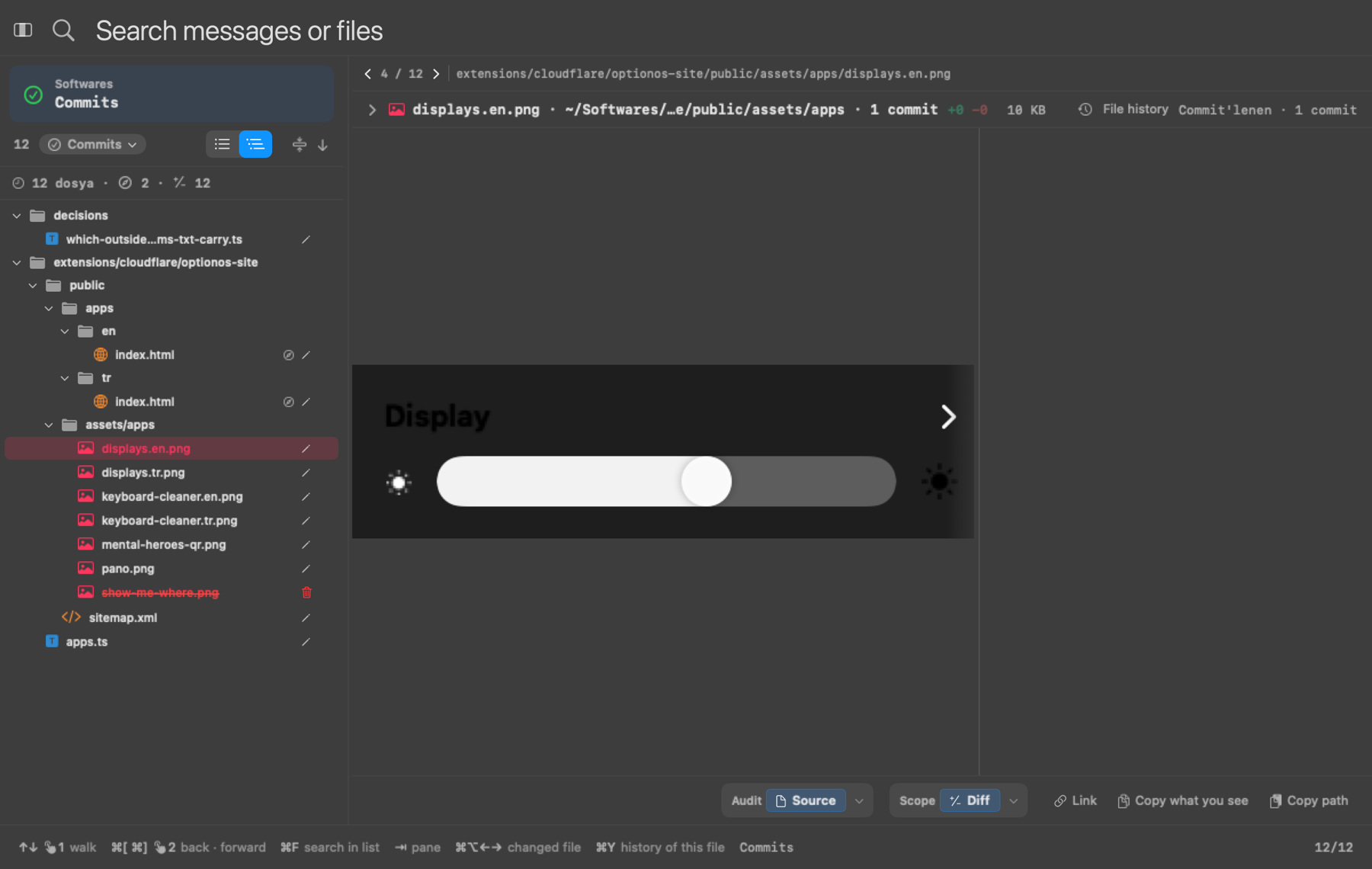
What you get
- Click the commit link your agent gives you: every changed file opens in one window
- Every line each commit changed is there; read the code line by line when you want
- Every change stays a separate commit, so the one that went wrong is the one you undo
- Each file's history opens in the same window
- Markdown pages and pictures open as they look, not as code
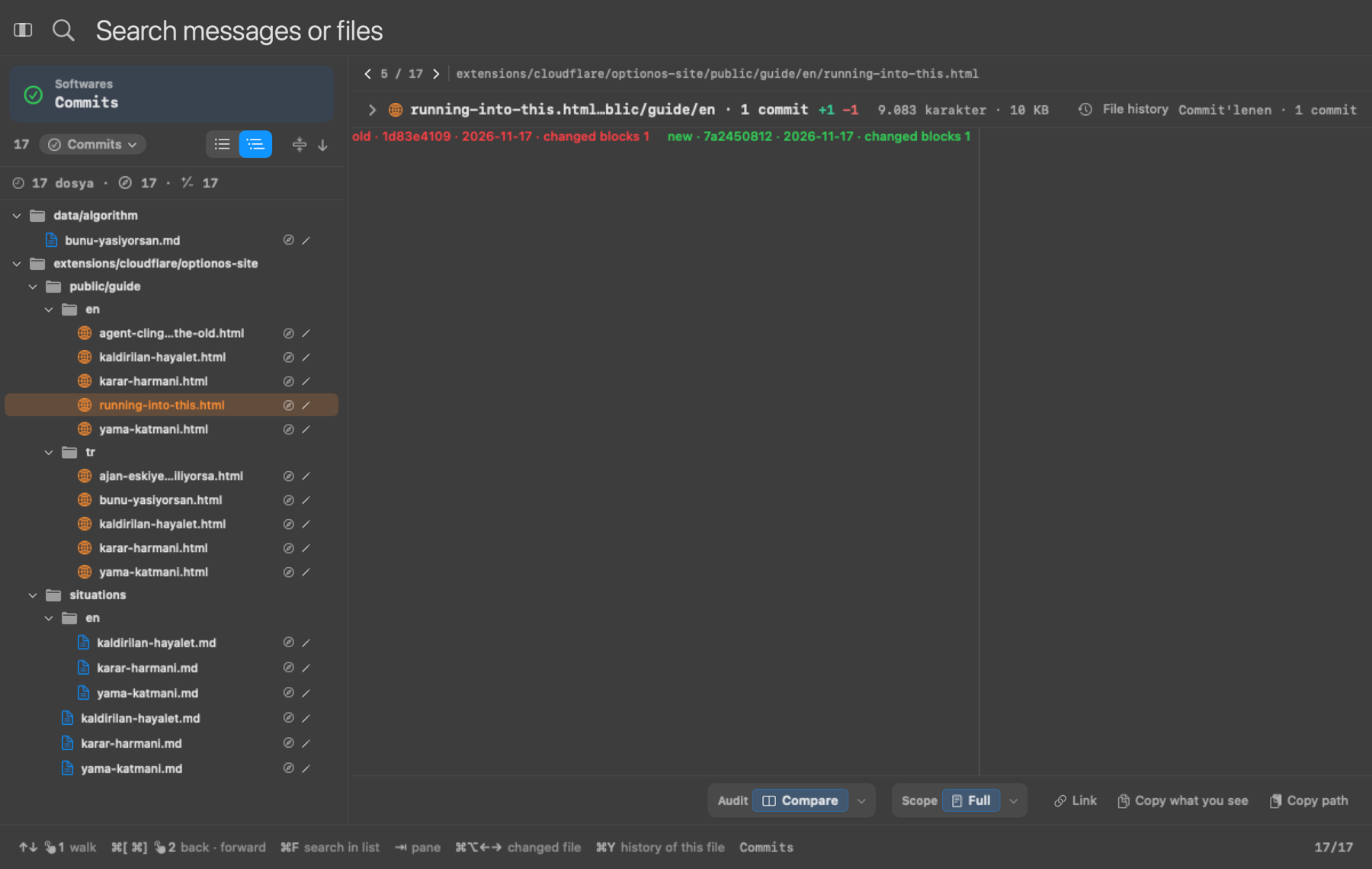
- Preview the output, not the code: an HTML page opens the way your users will see it, old beside new, the changed sentence marked
- Open your agent's last commit in one click from the menu
- Experimental: it sits under Experimental in the OptionOS menu