The bottom-left corner takes a screenshot you can draw ontwo corners assignedIn Screen Sharing or a virtual machine, your shortcuts and gestures can go to the remote Macgestures sent to the remote MacThe bottom-right corner cancels the dictationwhat each corner does while you talkTurn every gesture off at once, or one by onegestures off
At your fingertips
TabsOne-finger tip-tapLightswitch tabs without leaving the trackpadHistoryTwo-finger tip-tapLightback and forward without reaching for keysUndo/RedoThree-finger tip-tapLightundo without the keyboard
What you get
Tap with three fingers and dictation starts
The top-right corner pastes every held dictation at once, in the order you said them
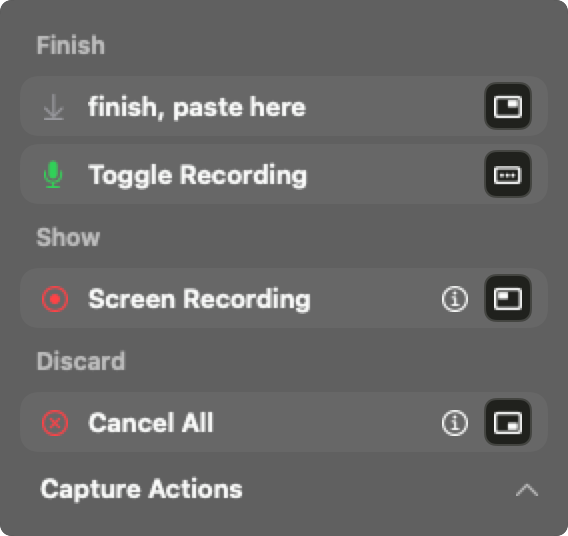
The bottom-right corner cancels the dictation
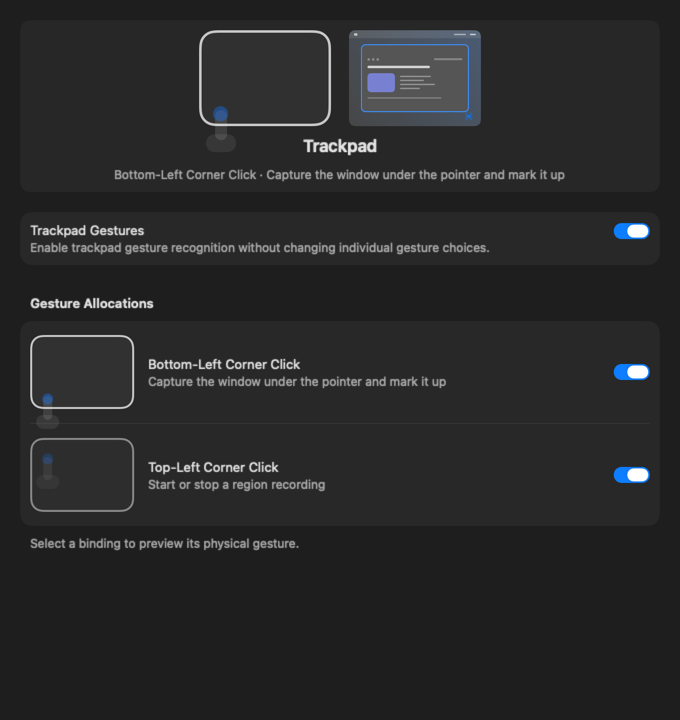
The bottom-left corner takes a screenshot you can draw on
The top-left corner starts recording a region of the screen
Rest a finger and tap beside it: tabs switch, undo happens
Hold three fingers and your speech history opens
Tap with four fingers and the agents deck opens
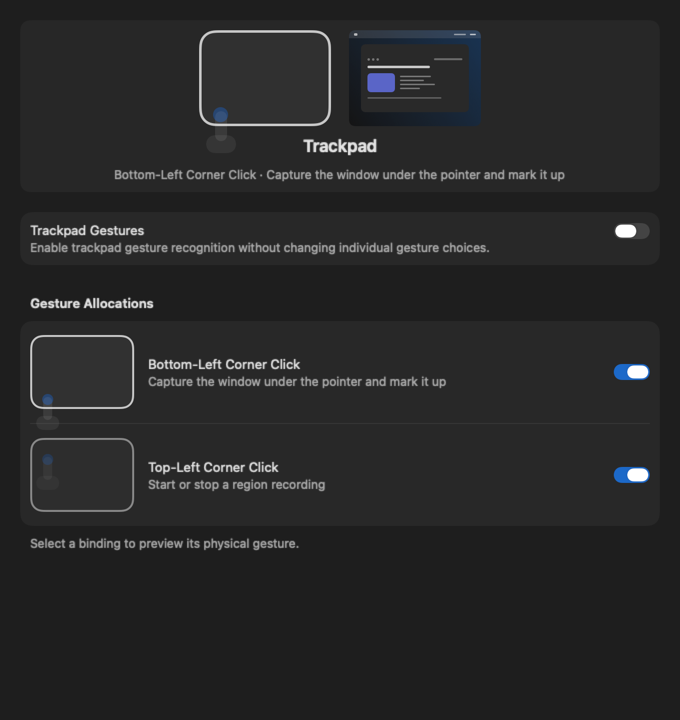
Turn every gesture off at once, or one by one
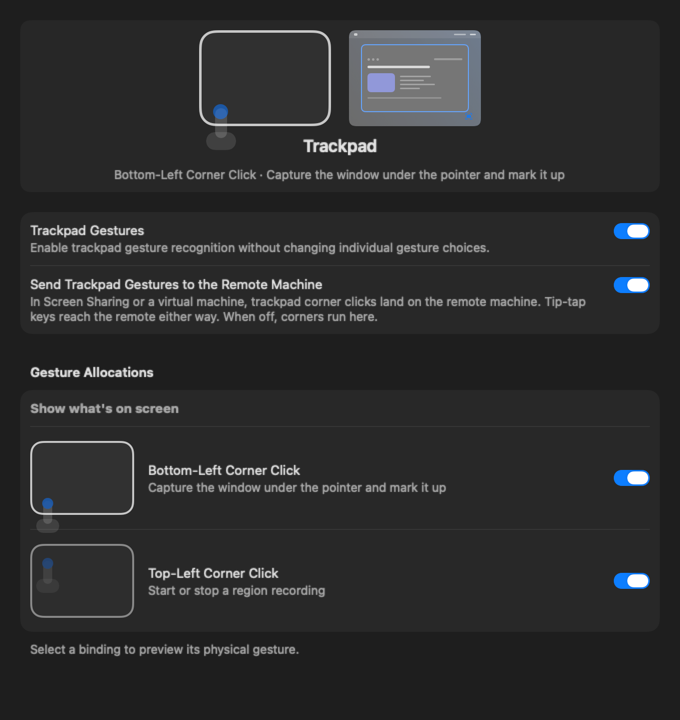
In Screen Sharing or a virtual machine, your shortcuts and gestures can go to the remote Mac