
Dictation pill
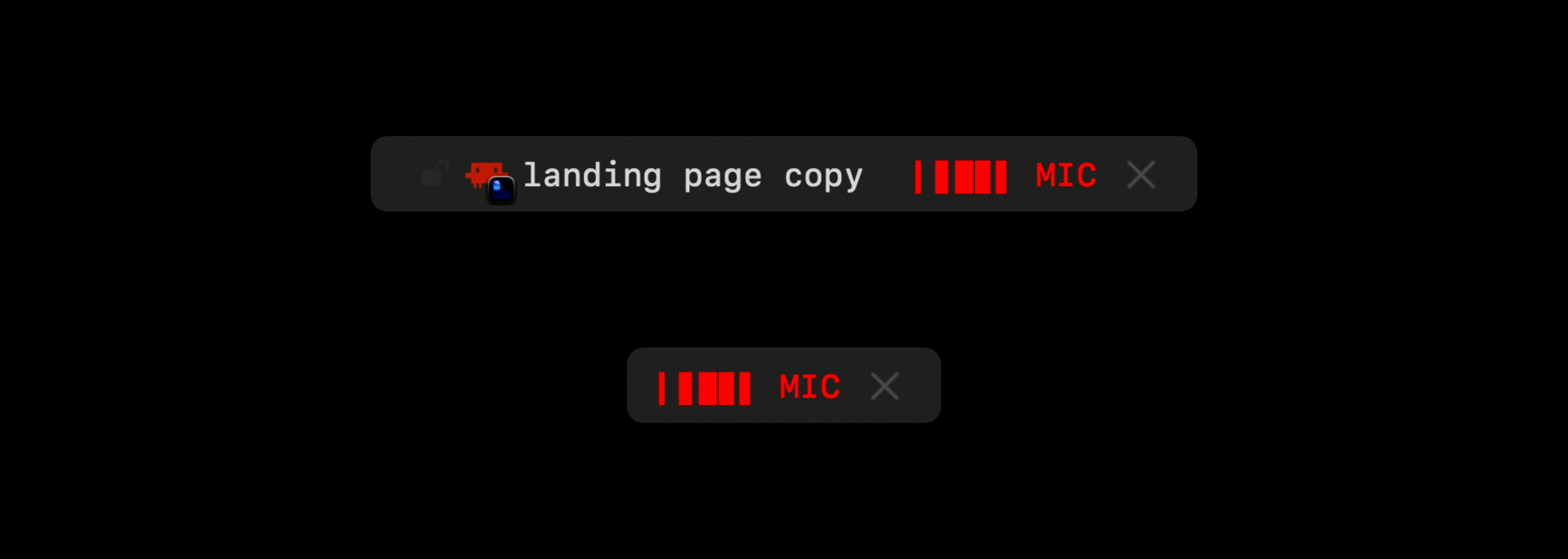
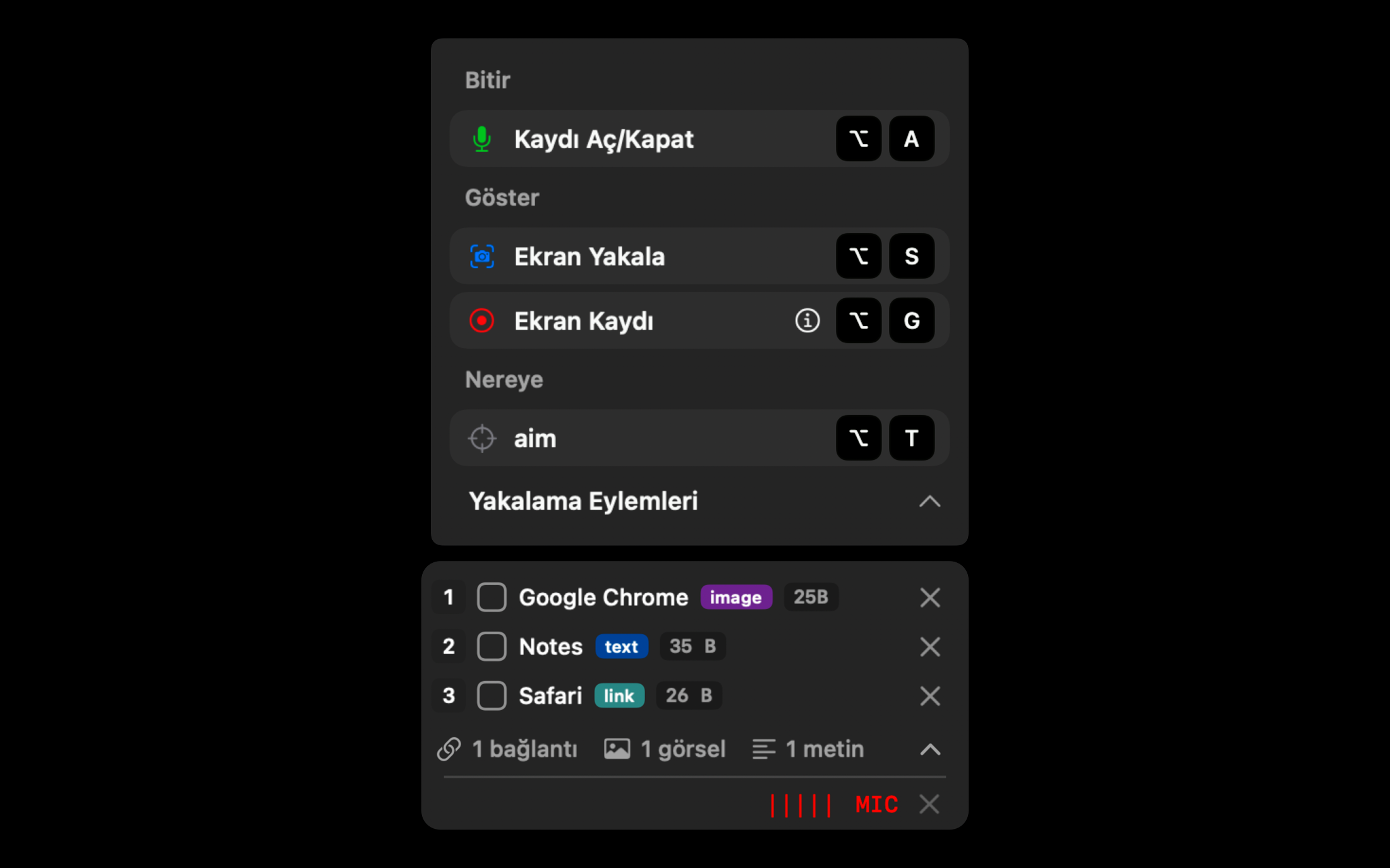
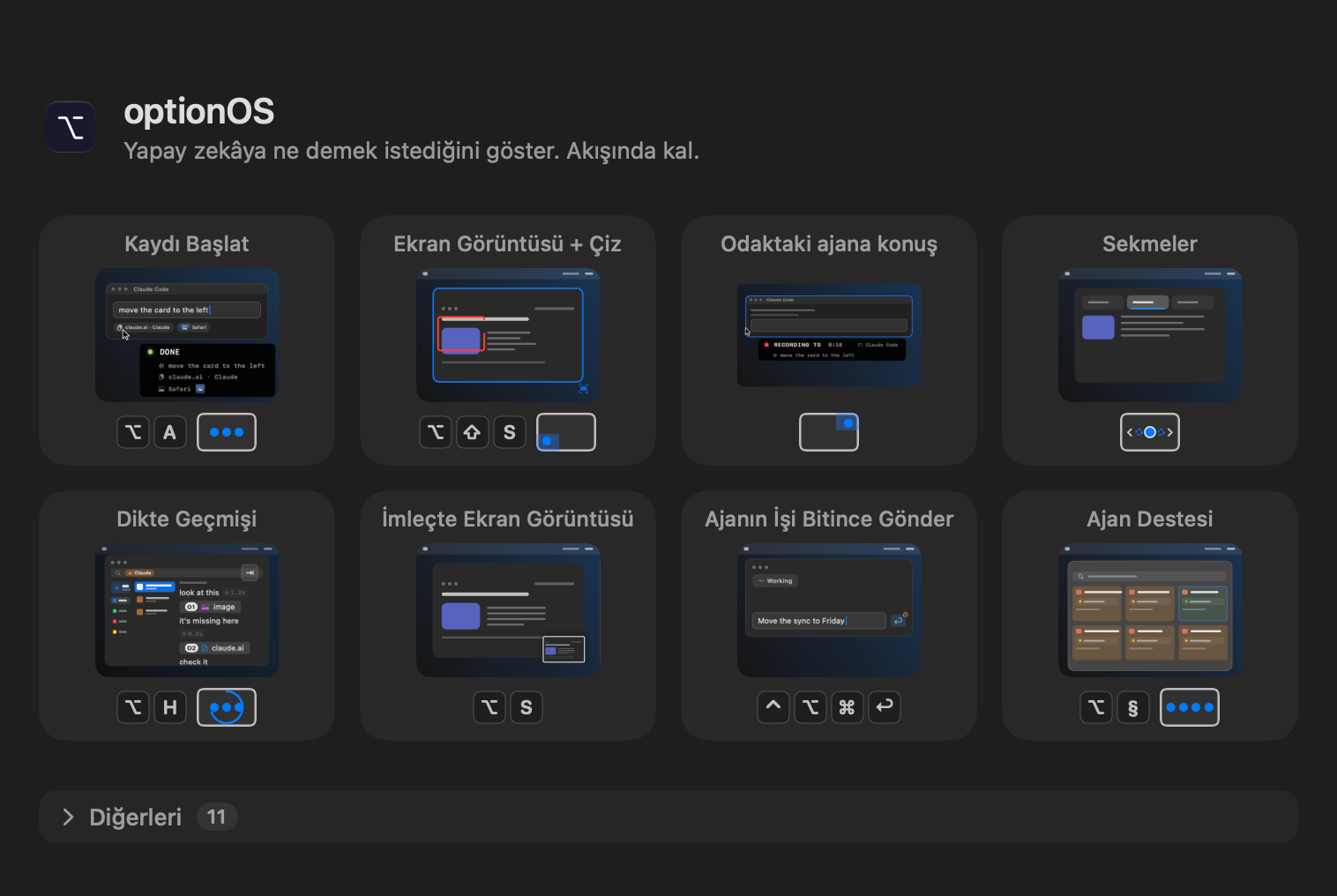
When typing can't keep up with what's in your head, you talk: the pill shows the recording is live, and hovering it shows what you said without leaving the screen.
 optionOS
Every panel optionOS puts on your Mac, as it really looks, and why it is there.
When typing can't keep up with what's in your head, you talk: the pill shows the recording is live, and hovering it shows what you said without leaving the screen.

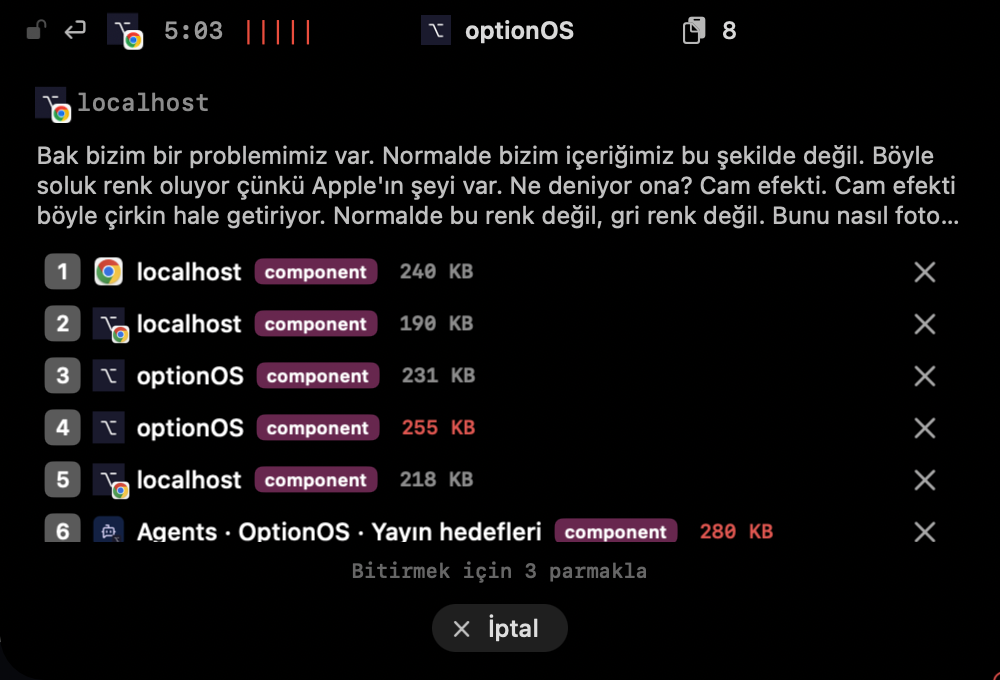
Everything you copy while talking joins your dictation and waits in a stack, so neither you nor the AI forgets what you were talking about.

While you talk, your words, where they are going and what you copied show up under the notch.

While you talk you don't recall shortcuts: finishing the recording, showing your screen, or choosing where your words go sit in one panel above the pill.
You see that recording is live without taking your eyes off the cursor.
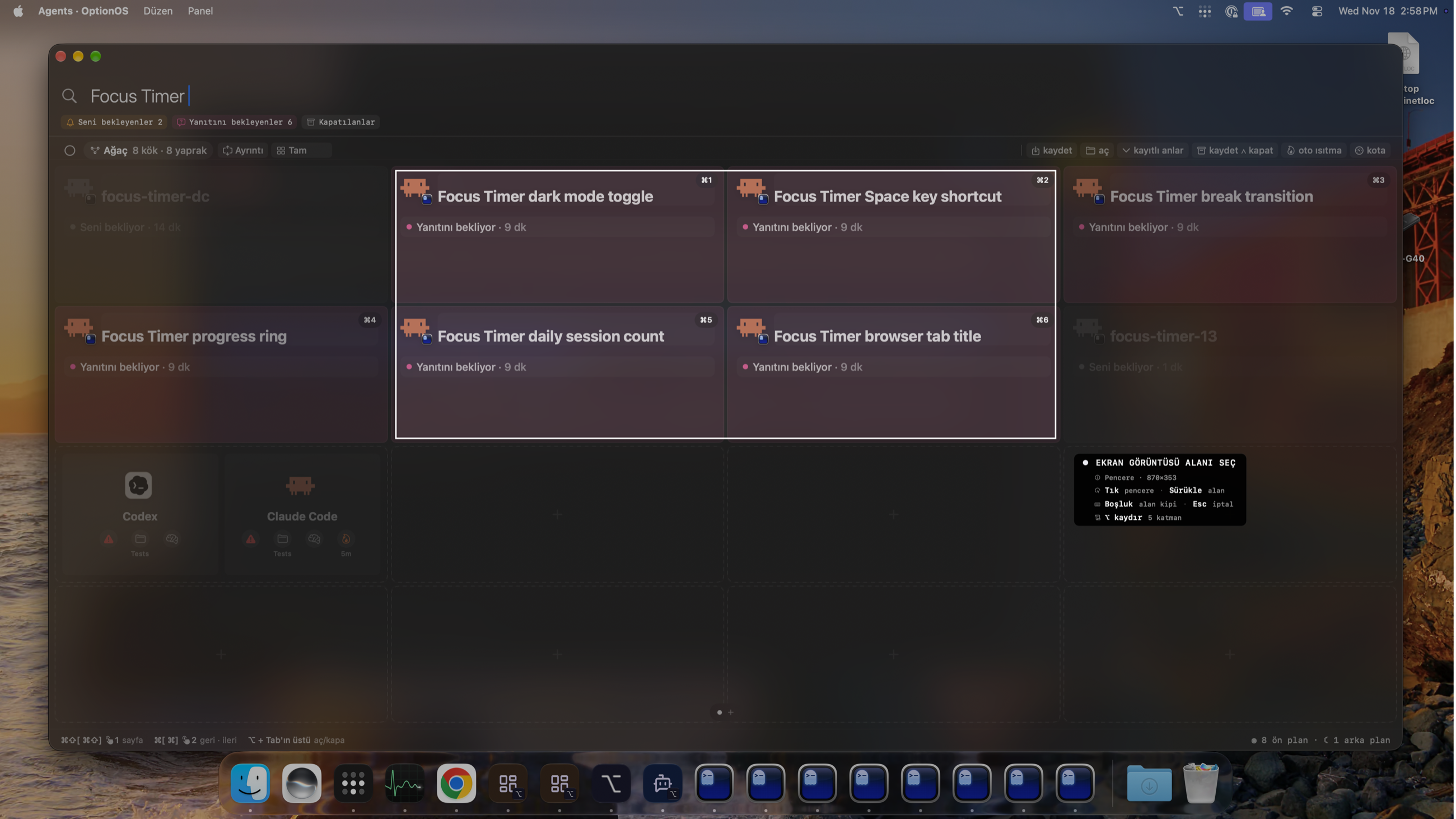
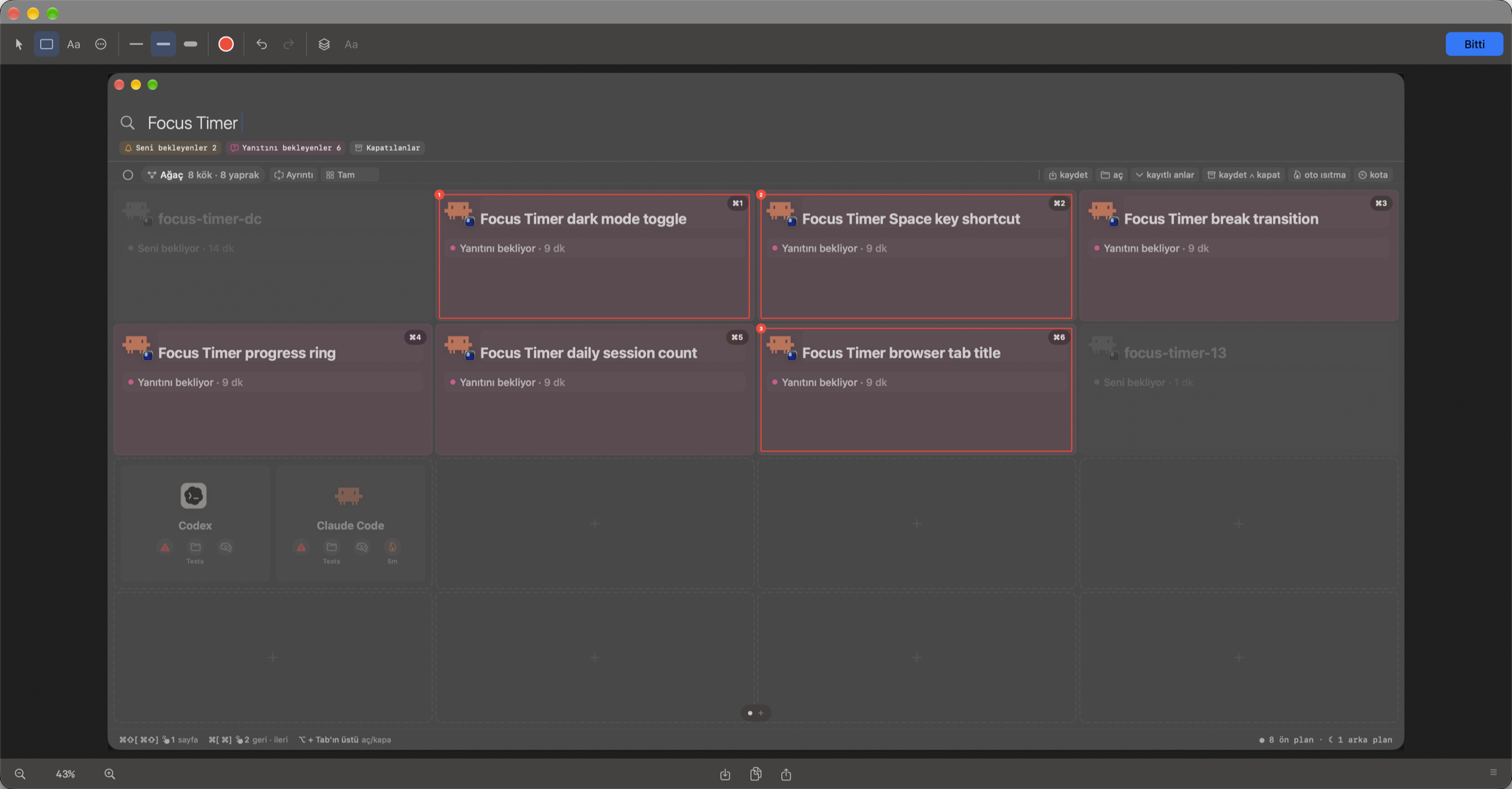
Talking to several AIs at once, you see who your words will reach before you speak: the chosen window gets a frame.
Everything you've said stays on record: you search an old dictation, find it, and copy it again.

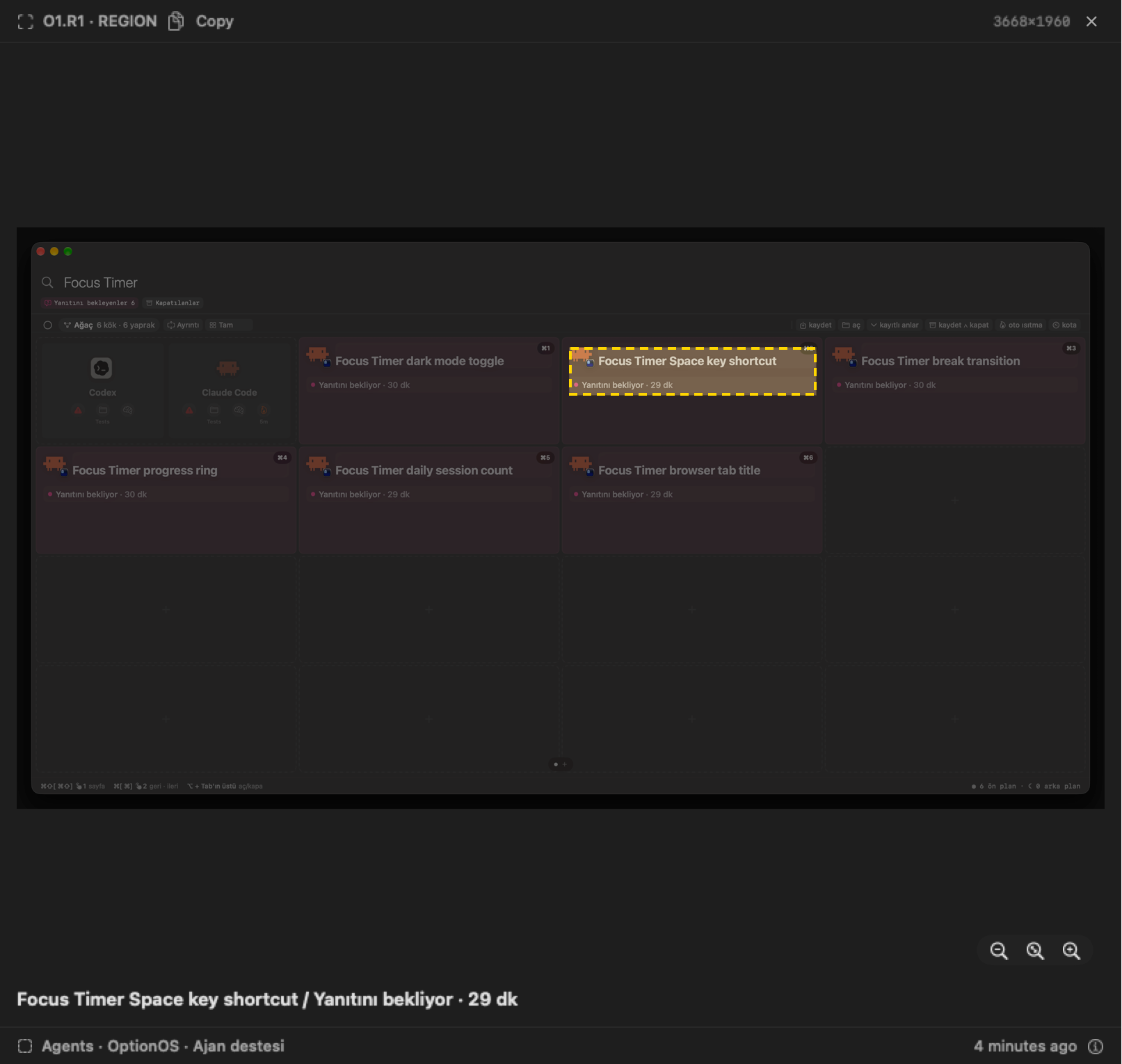
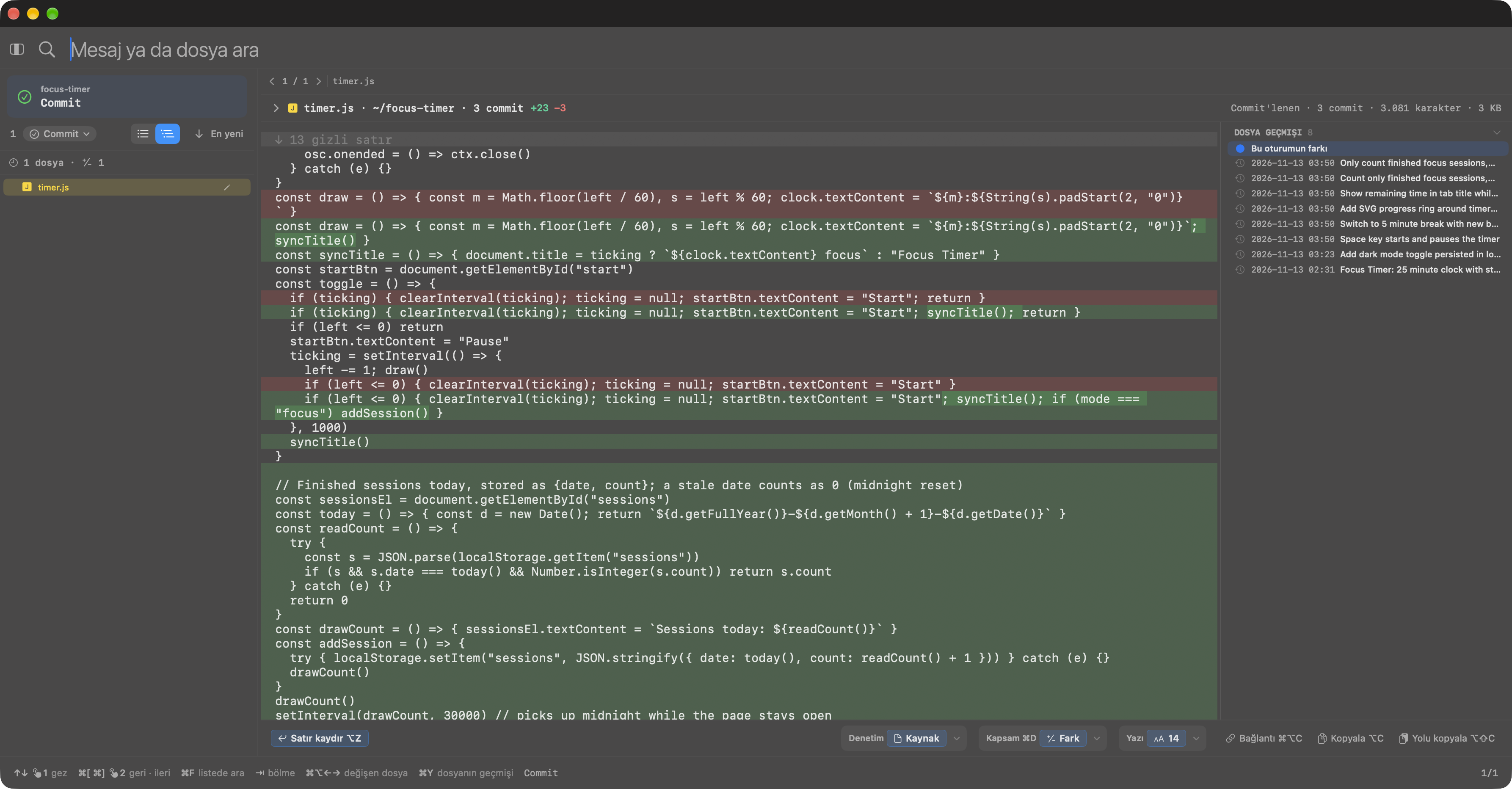
You open a copy attached to a dictation at full size and check what you marked on the image and what was sent to the AI.

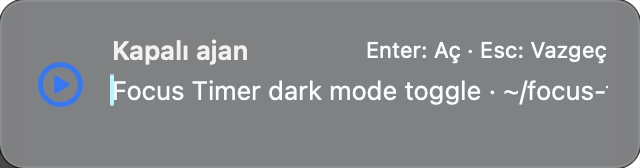
Click a link to a closed agent and you first see which agent will open: Enter opens it, Esc backs out.

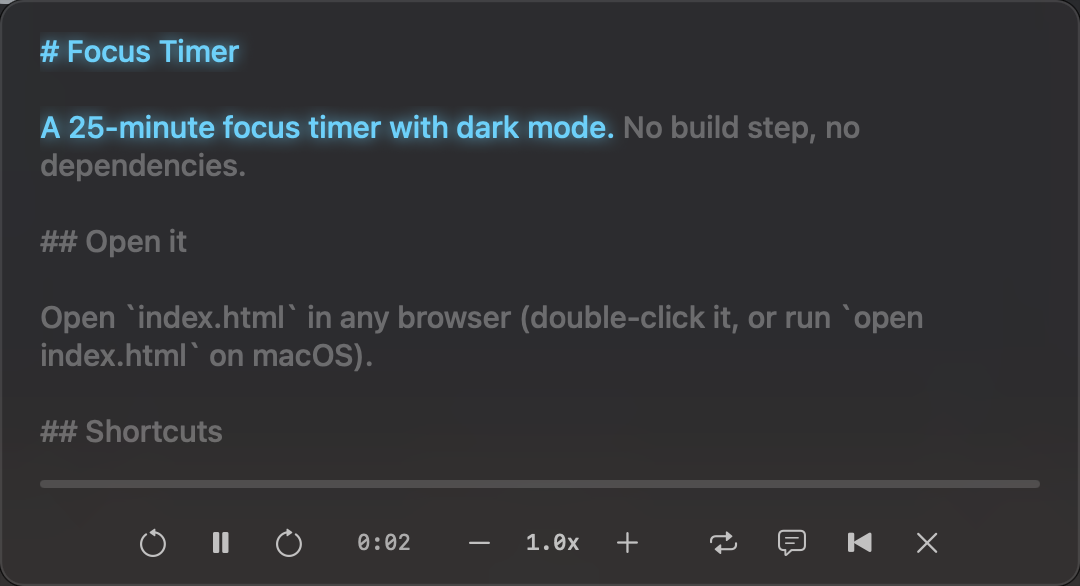
You listen to the text you selected instead of reading it.

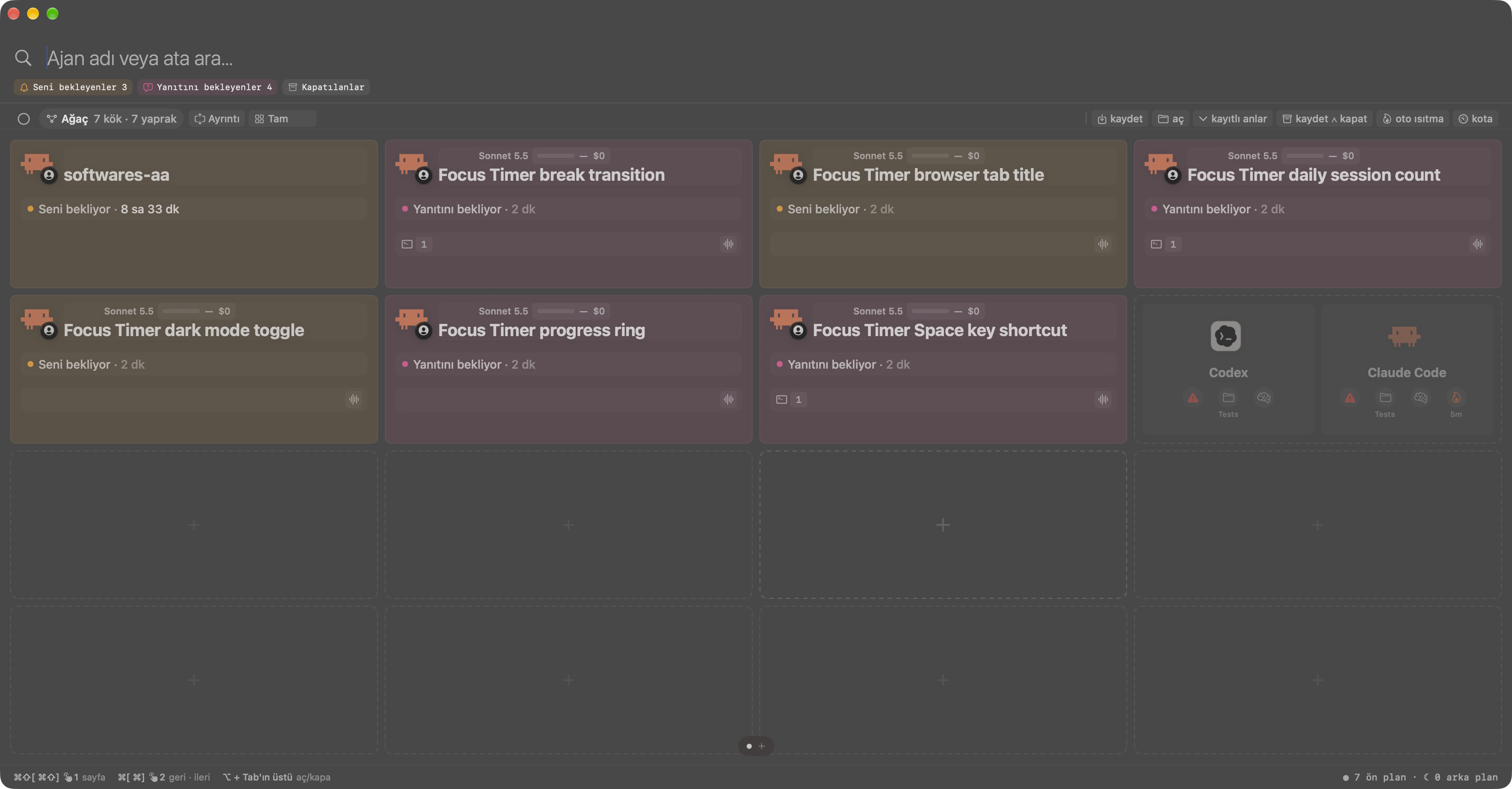
Show the agent what you see, or how something moves, instead of describing it: each capture lands in your conversation at the moment you said it.

The agent knows exactly what you mean in the image: every mark you draw gets a number and is tied to the moment you said it.

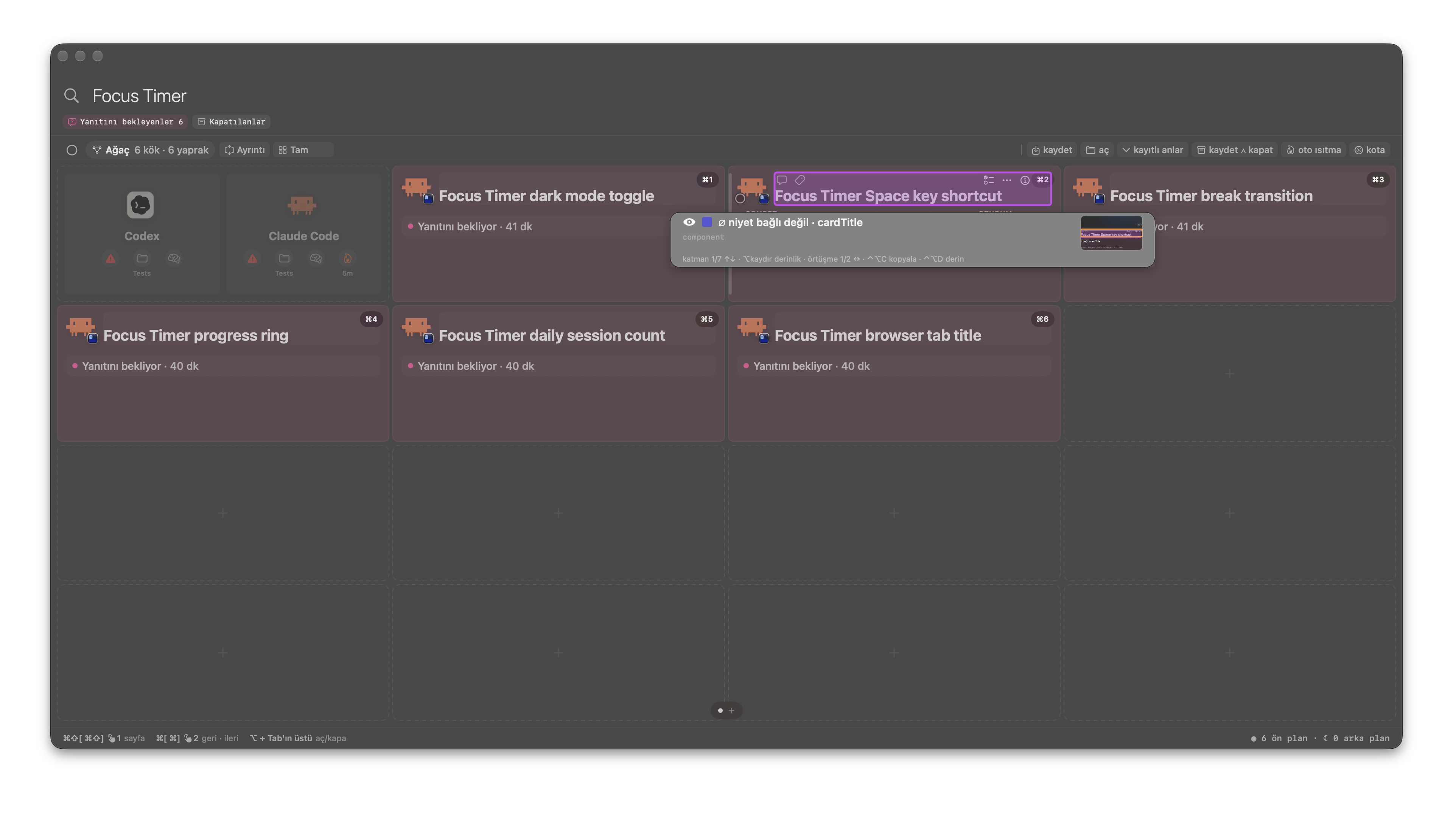
Point at any part on screen and the agent finds it in the code without searching: you hand over the part itself, not 'that button'.

While the agent talks, it draws on your screen exactly where it means, in step with its words.

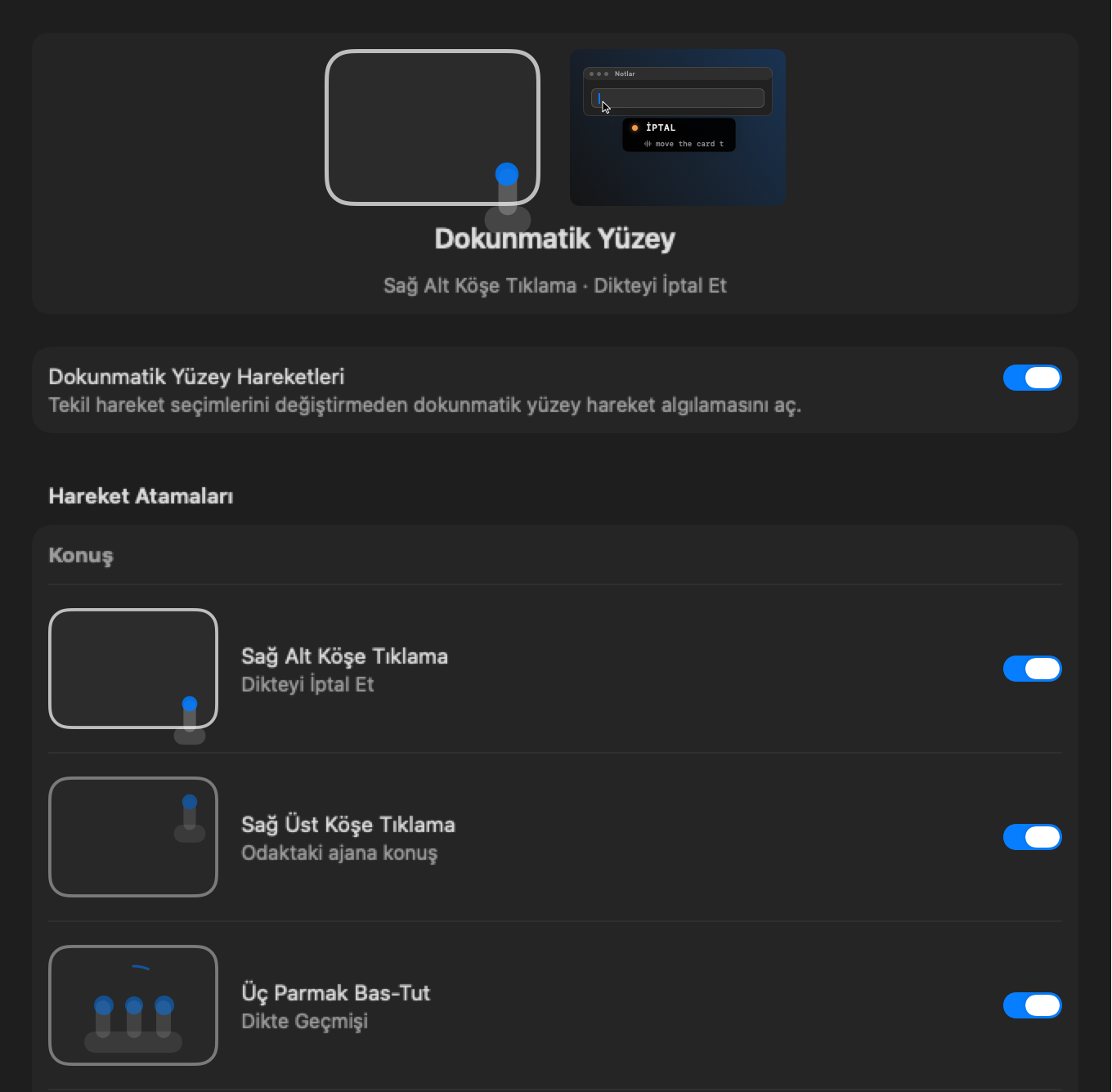
Run dictation, agents and tabs with finger gestures instead of reaching for the keyboard; the panel shows what each gesture does and lets you turn any of them off.

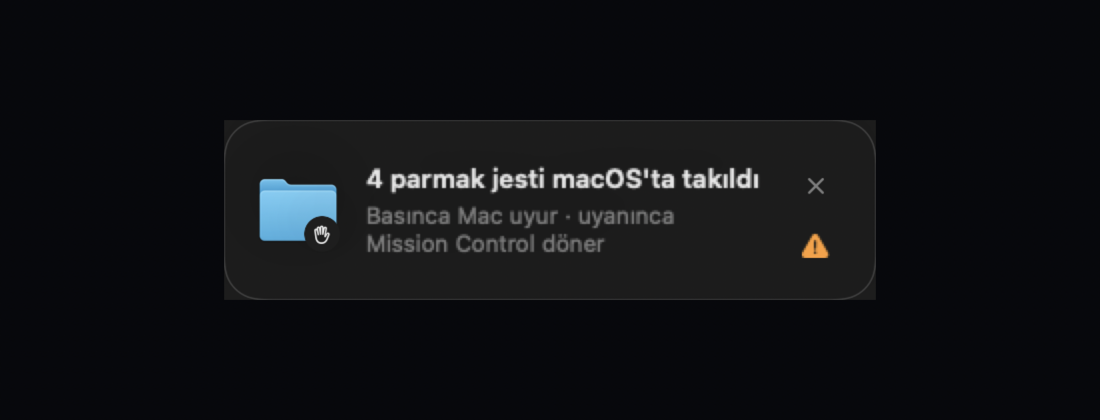
When the Mac's four-finger gesture gets stuck, a card appears; one press puts the Mac to sleep briefly and the gesture comes back.

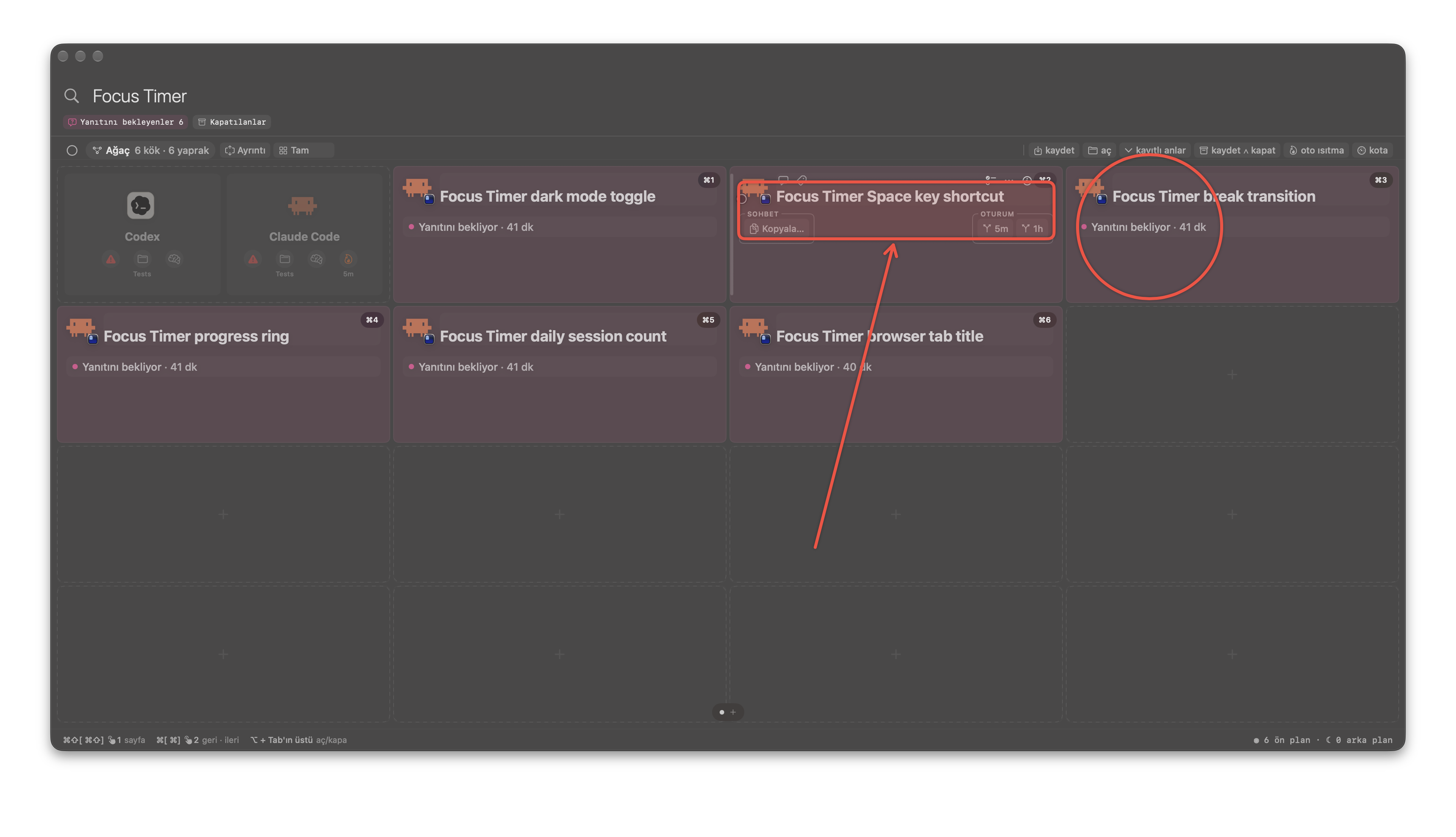
See every agent at a glance, open the deck with four fingers, jump to the one you need and talk to it: no hunting through terminals.

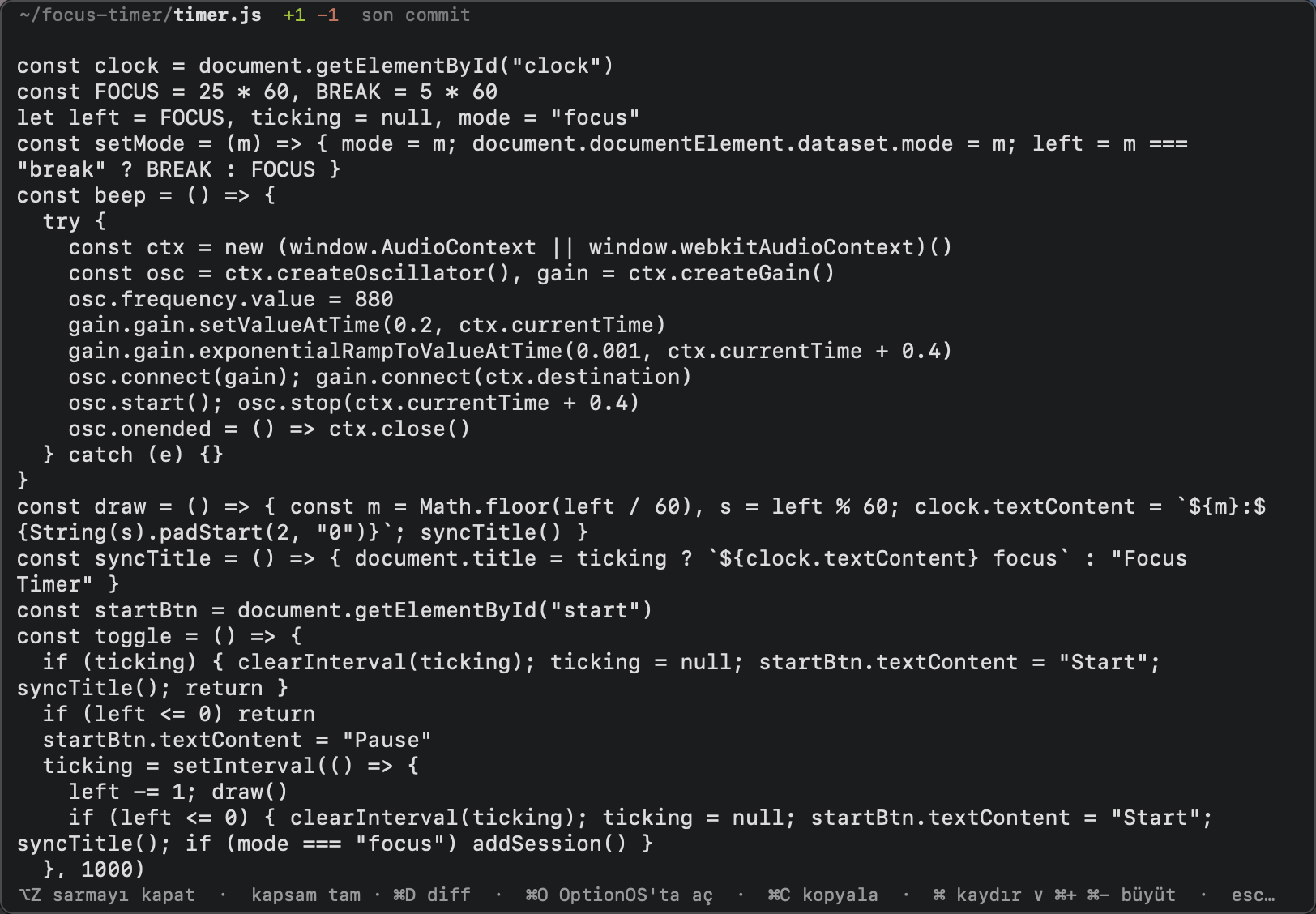
Brings what your agents changed to you, pictures included: you review the work without going to look for it.

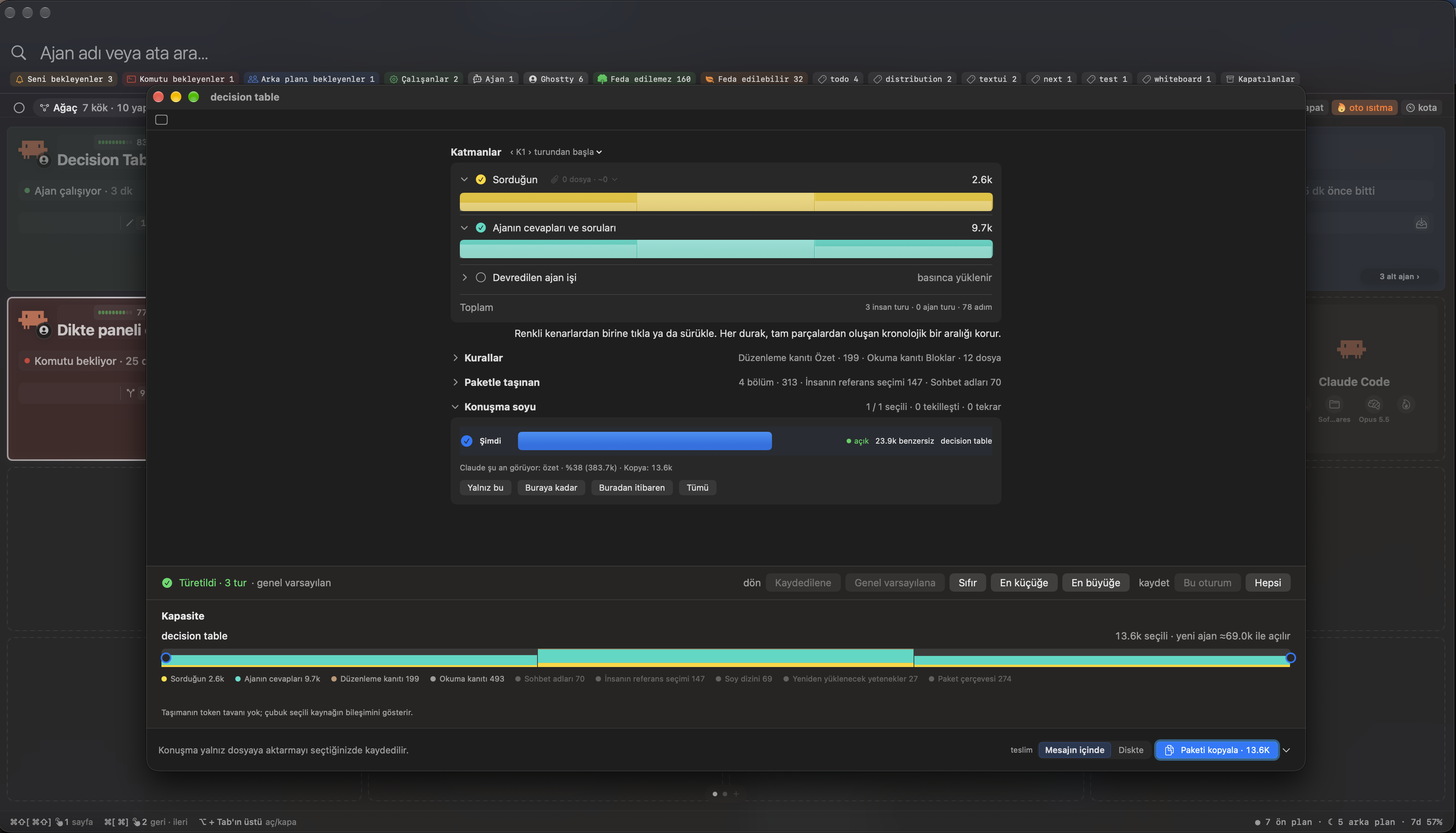
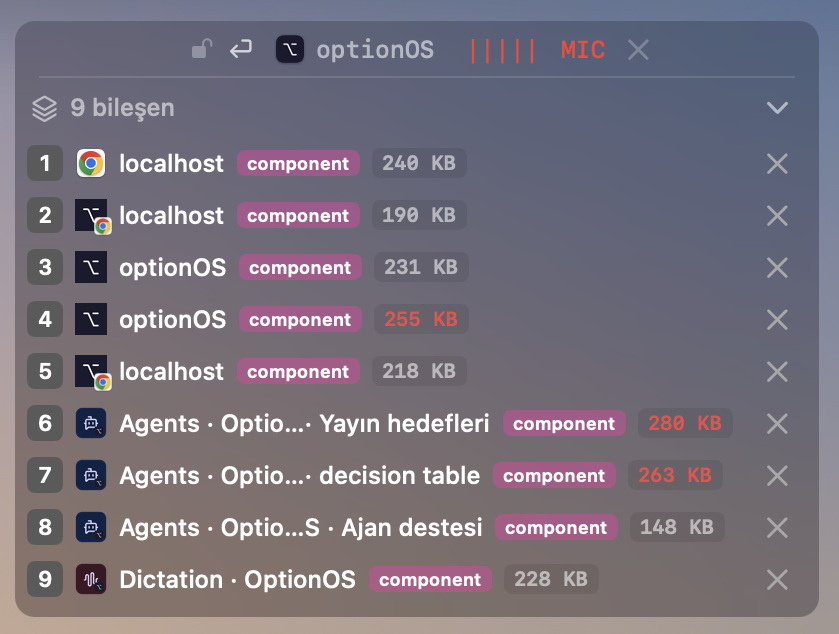
Shows a chat's layers with their token counts so you copy just the stretch you need, compressed: a long chat doesn't get dragged whole into a new agent.

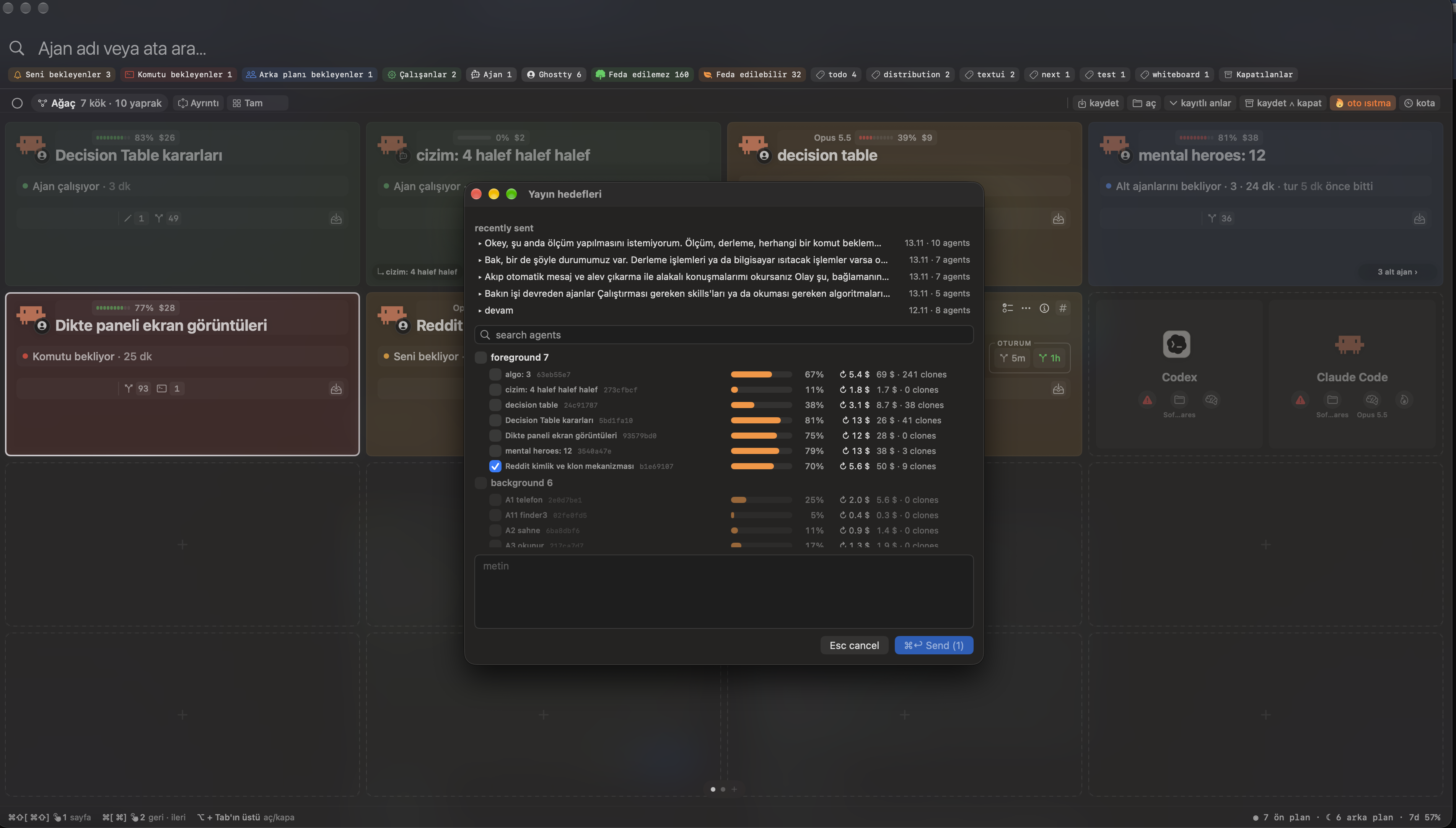
Send one message to every agent you pick at once: no pasting the same words into each tab.

Click a link or a picture and it opens instantly beside your cursor instead of in a big panel: you take a look without leaving the window you work in.

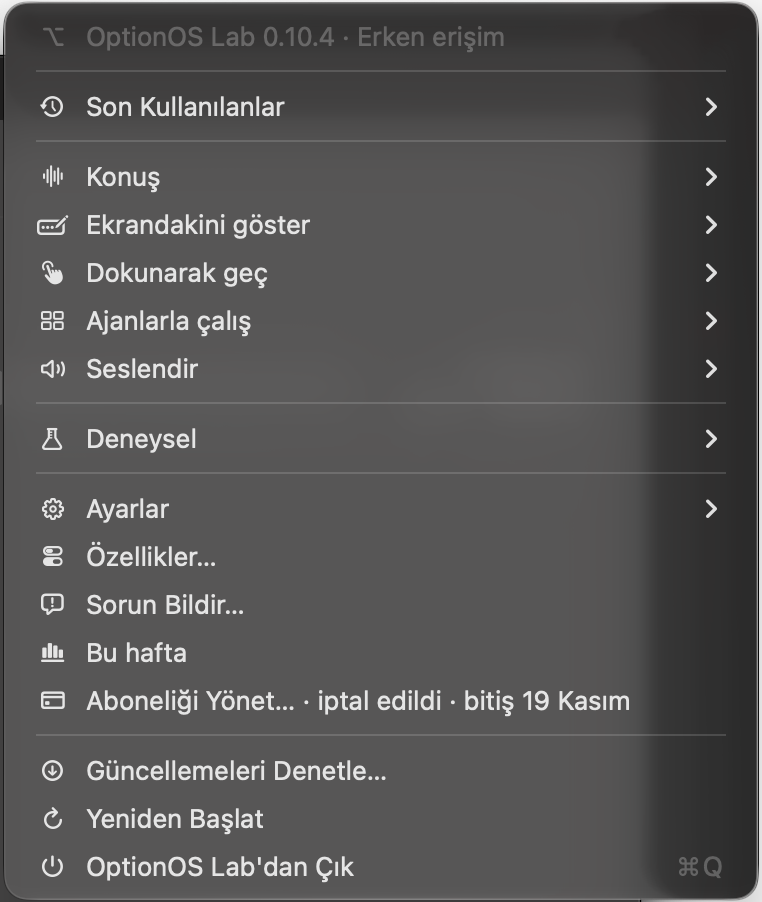
Reach every OptionOS feature, setting and shortcut from a single ⌥ icon in the menu bar.

Click the app icon to see what OptionOS can do, card by card, without anyone having to explain it.

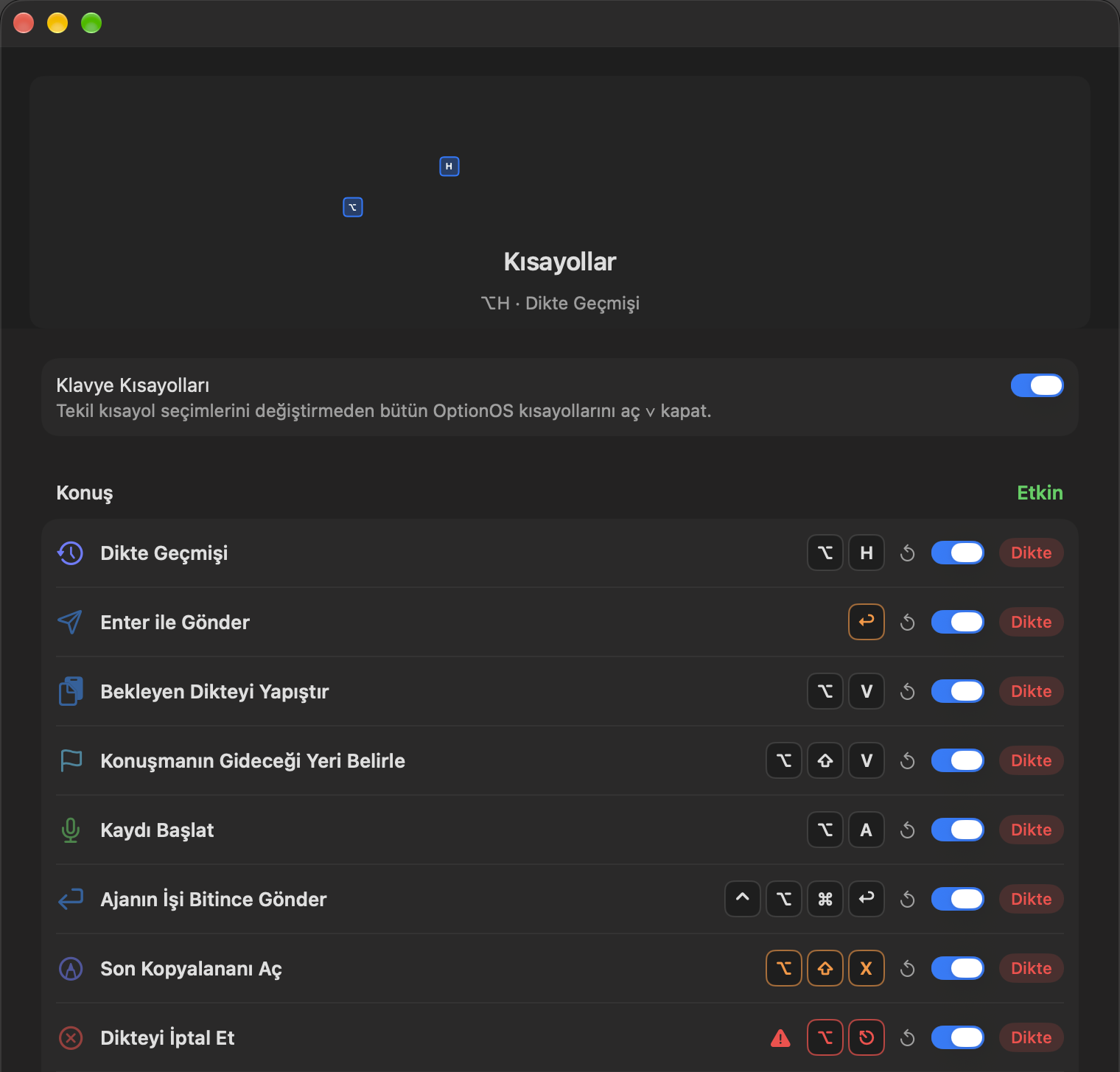
See every feature's shortcut in one panel and turn off the ones you don't want.

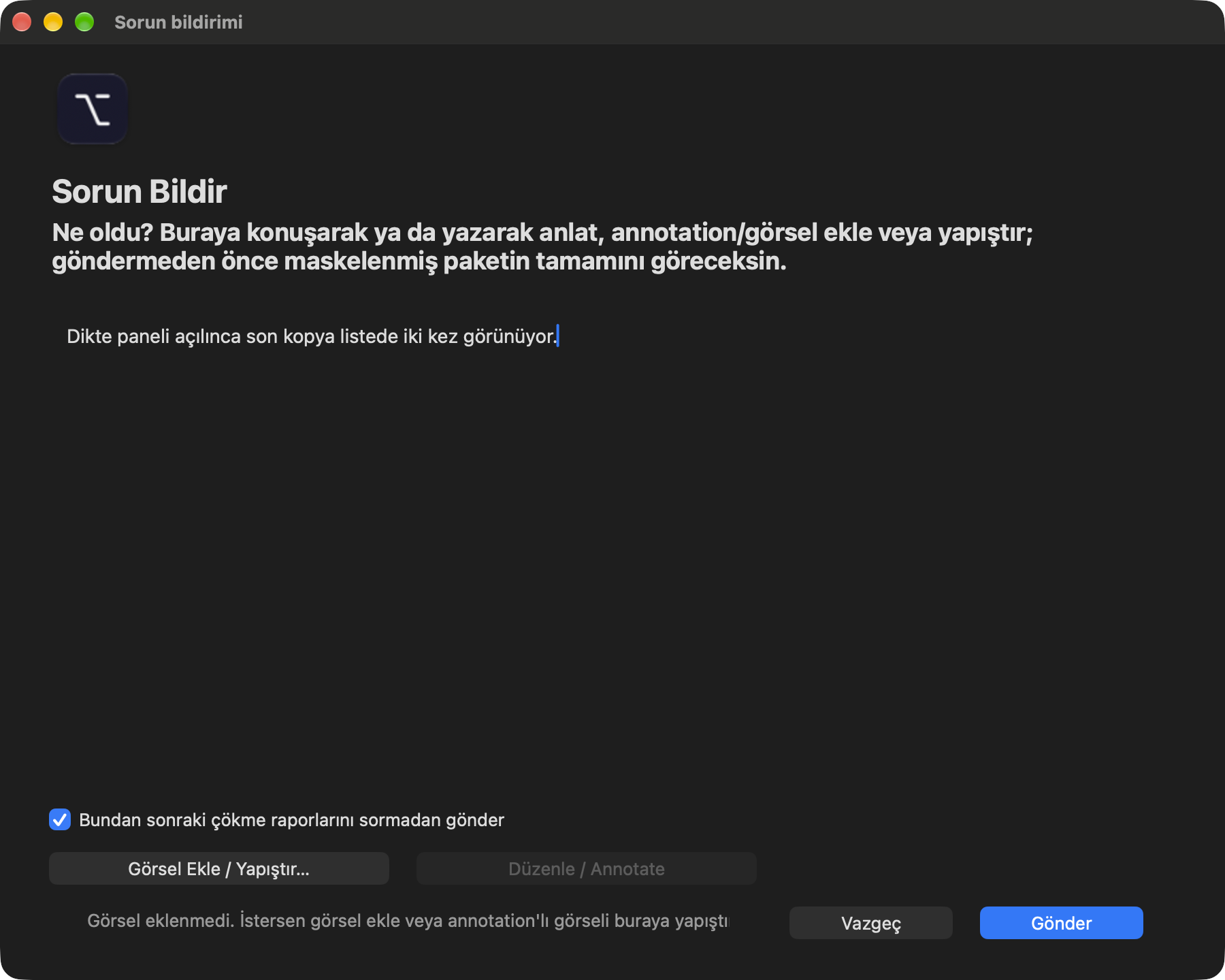
When something breaks, describe it in one window from the menu and send it straight to us.