
Cockpit shows usage limits and stable Ghostty cards
The Mac Cockpit grid now shows Codex 5h/7d usage percentages in the Usage chip. Opening it keeps the currently available Claude and Codex subscription account details on one surface. Card state changes now have animat…
The Mac Cockpit grid now shows Codex 5h/7d usage percentages in the Usage chip. Opening it keeps the currently available Claude and Codex subscription account details on one surface. Card state changes now have animated feedback, and the Ghostty chip/card flow works reliably.
Usage limits and active accounts
The Usage chip summarizes the limit state in the toolbar. Open it to see active Claude and Codex accounts and any quota details that can be read safely from the CLI on the same panel.
Ghostty card flow
Cockpit cards coming from Ghostty now appear in the grid with the correct runtime chip. You can track the terminal-side agent session on the same surface as the rest of your Cockpit cards.
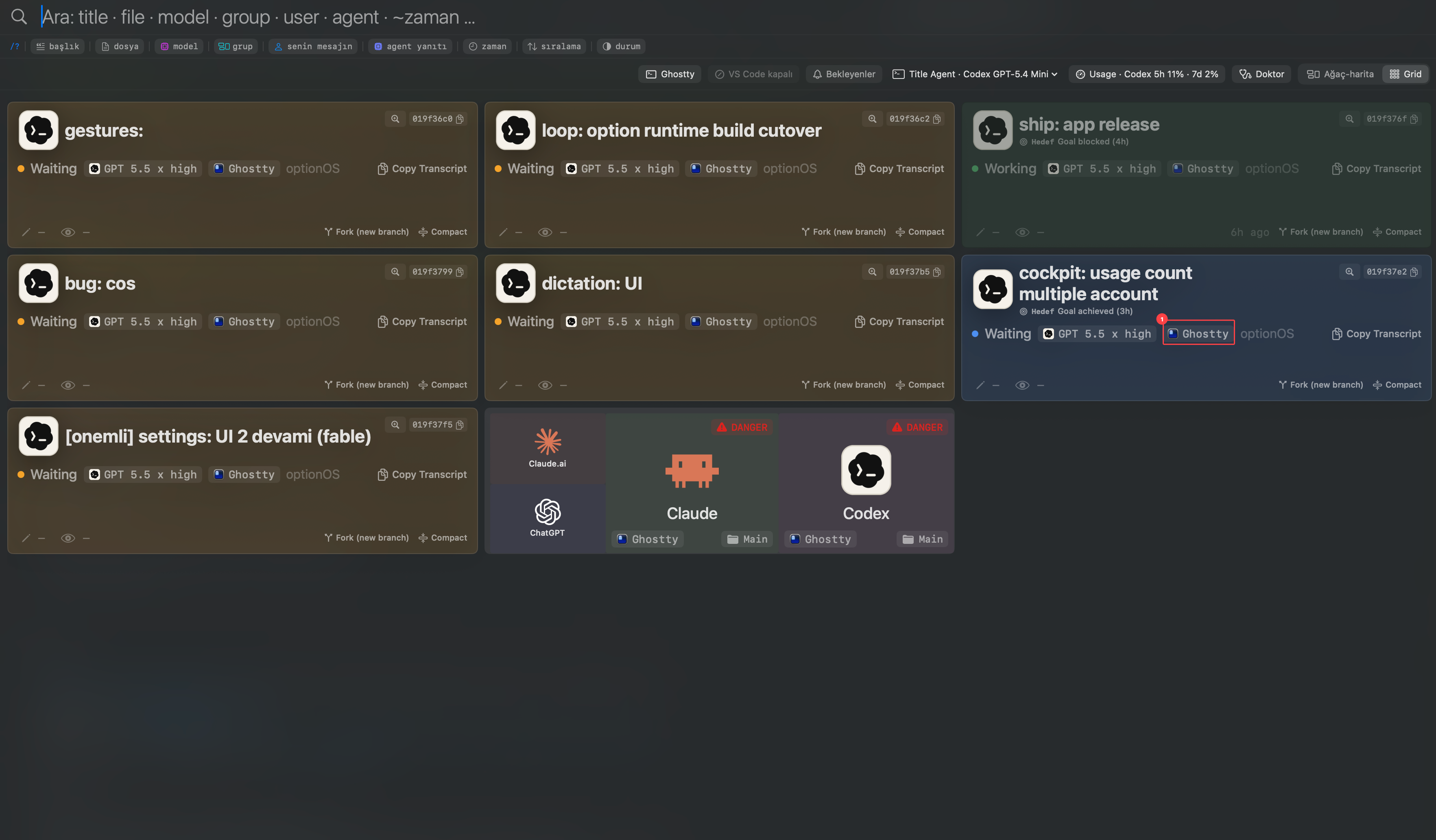
- 1Ghostty runtime chip