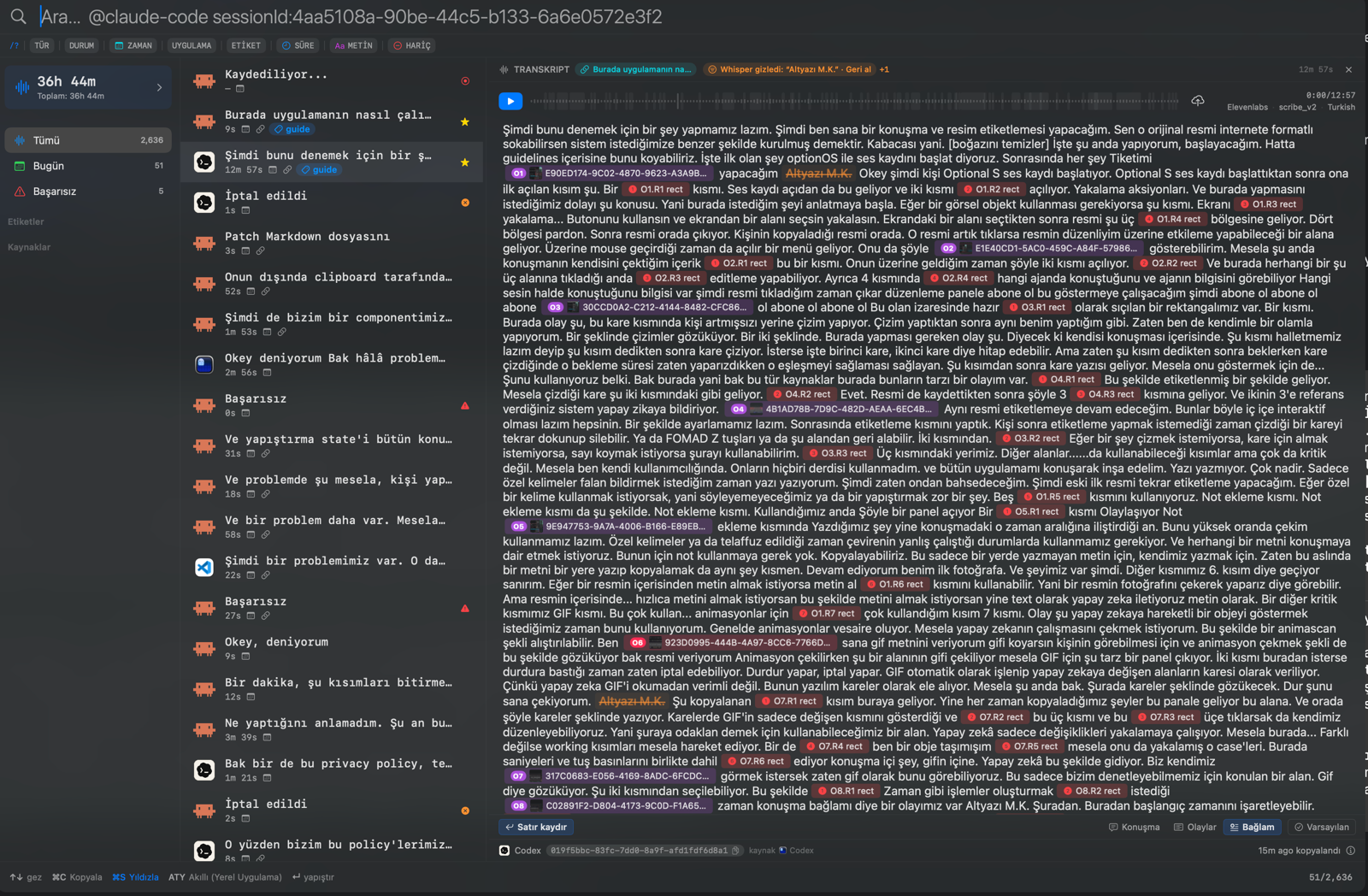
Select a numbered area; let the visual focus and open its explanation beside it
A single Guide visual now turns the areas marked during a spoken explanation into clickable steps. Each step focuses the right region and opens its explanation beside it, so you can follow how a feature works on one v…
A single Guide visual now turns the areas marked during a spoken explanation into clickable steps. Each step focuses the right region and opens its explanation beside it, so you can follow how a feature works on one visual instead of reading a long block of text.
You are not locked into the sequence: select any dimmed target, move backward or forward with ← and →, and return to the overview after the final step. The page moves closer to the selected area while keeping markers and controls readable.
The content is created through speech too: we mark an area while explaining it, and the website connects the words and the visual in the same step. This lets us explain a new feature with one focused visual instead of a separate wall of text.
Select a number to see the relevant area and explanation together
Move between the numbered areas to shift focus to the right place and open that step's explanation beside it. You see both what the explanation refers to and what to do without leaving the screen; follow the sequence or jump directly to another target.

One conversation, the complete guide
A real spoken session of about 12 minutes became one guide with its transcript, captured visuals, drawn marks, GIF, and file references intact. Open it to see not only the result, but also the evidence that shaped each part of the explanation.
The Turkish walkthrough exposes its marked areas as interactive targets; the English companion page carries the same lesson with static cards.