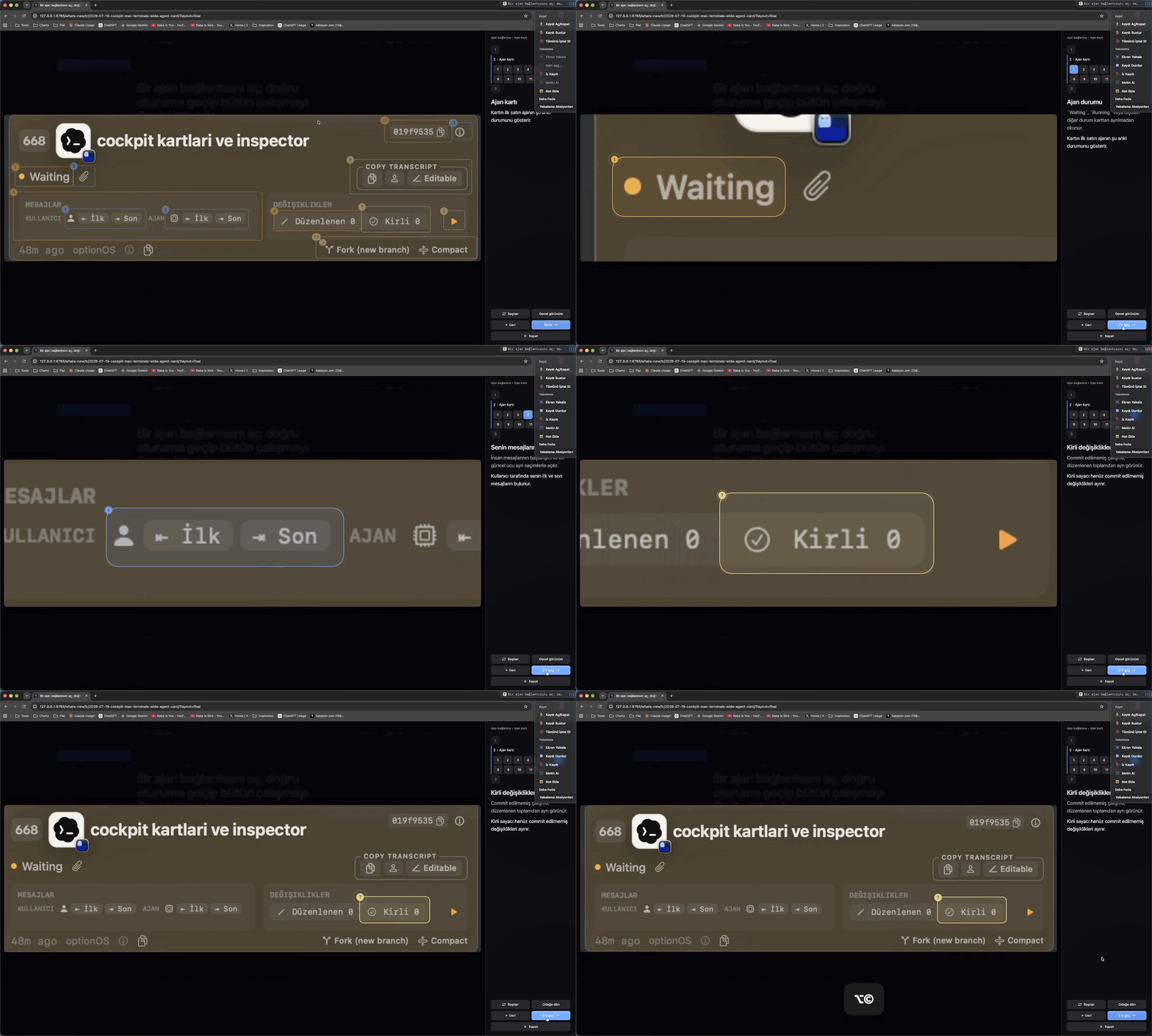
A new scene now shows the whole view before focusing the target
Open an interactive visual on the website and its numbered targets remain on the image while the scene and step count and explanation stay in the same panel.
Every Start or Continue click animates the image toward the next target, so the motion itself shows where to look and how to continue.
Keep the visual and navigation controls together
Click the image to open the interactive viewer. Numbered targets, the scene and step selector, the explanation panel, and the Start, Back, Overview, and Close controls remain on the same surface.
Motion reveals the next focus
Restart resets the tour; Overview returns to the whole image; Back first opens the current scene’s overview, then returns to the step where the previous scene was left; Close exits the tour. Visible controls evenly fill their row when one, two, or three actions are available.