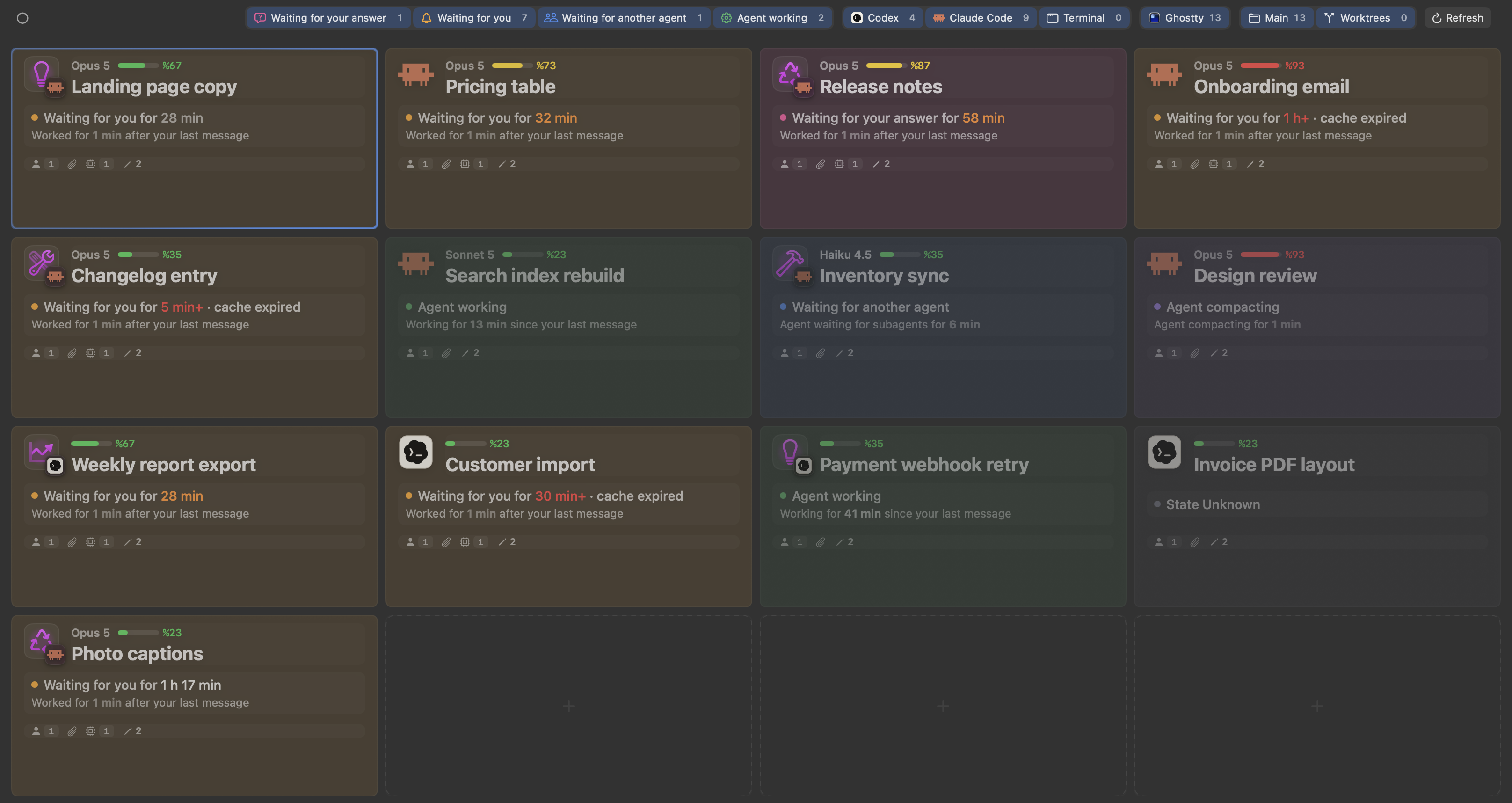
It opens like an app
Cockpit and Dictation open in their own windows; Cockpit sits in ⌘Tab next to your other apps. You can keep it in the Dock too. The first menu item is "Open optionOS ⌘0", and reopening the app brings you to the Overview.
Cockpit in its own window