 OptionOS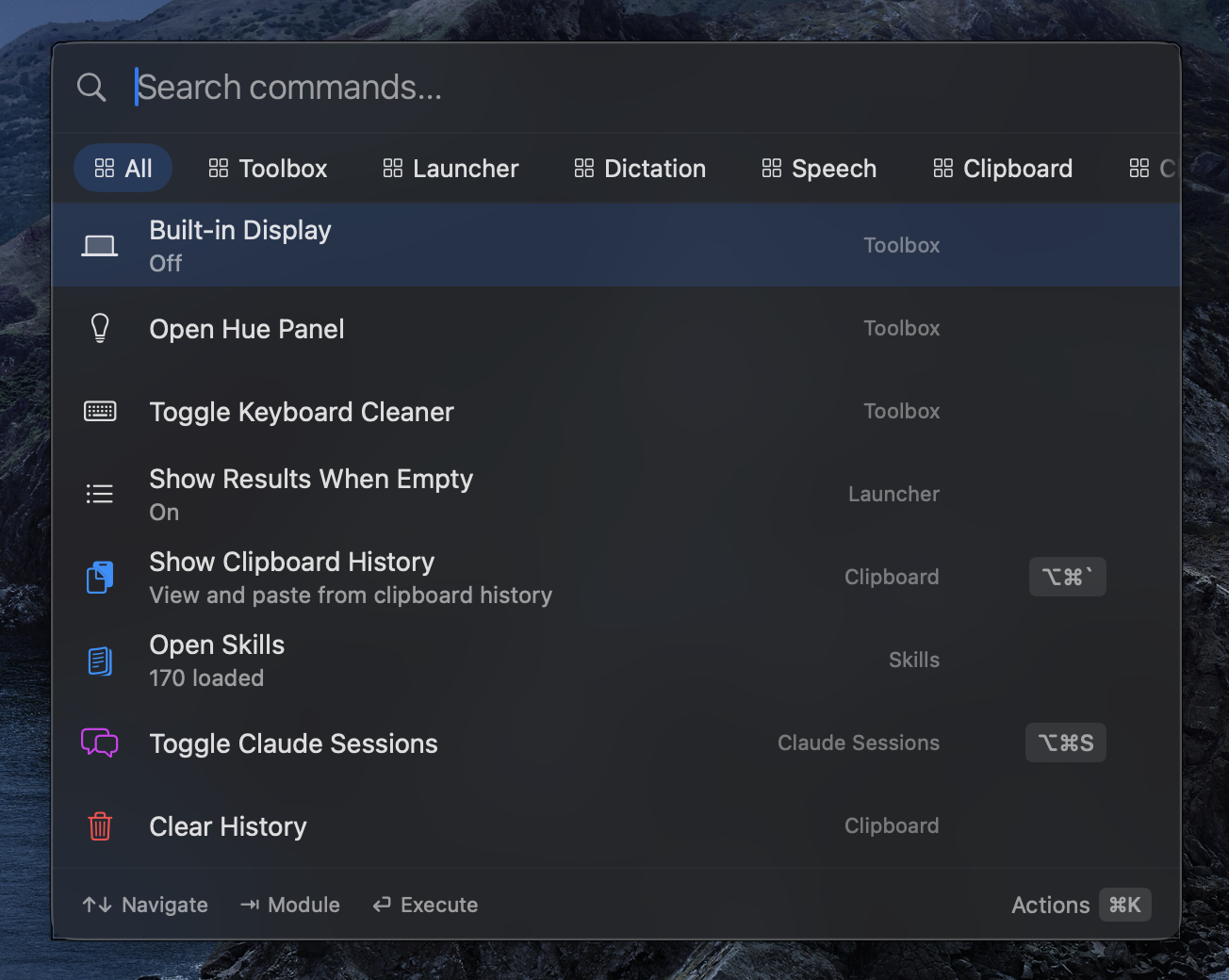
Control
Scene
You want to change Whisper’s language. You rarely do it. You don’t remember the hotkey. You go to the menu bar, hover over Dictation, see Language, change it.
Next day you need to change it again. This time you open the command bar: type “language”, it shows up, you change it.
A week later you’re doing it every day. You hit ⌘K from the command bar and assign a hotkey. Now it’s one key.
Same action. 3 different ways. You pick based on your expertise.
3 layers, 1 system
WHAT DO YOU KNOW?            WHERE DO YOU GO?
─────────────────────────────────────────────
Nothing.                     Menu bar
I want to explore.           Hover, browse, see.

I know the action.           Command bar
I know what to do.           Type, find, run.

It's reflexive.              Hotkey
I do it without thinking.    One key, done.
All three access the same things. The difference: you use whichever has the least friction for your current knowledge level.
”I don’t know what’s available, I want to explore”
Go to the menu bar. Hover over the OptionOS icon. Everything’s there:
- Clipboard → submenu
- Dictation → submenu (model, language, task, mode)
- Sessions → submenu
- Commands → submenu
- Attention → submenu
- Stash → submenu
- Toolbox → submenu
Hover, scroll, see. What you have, what you can do — all discoverable.
”I know what to do but don’t know the hotkey”
Hit ⌥Space. Type. Find. Enter.
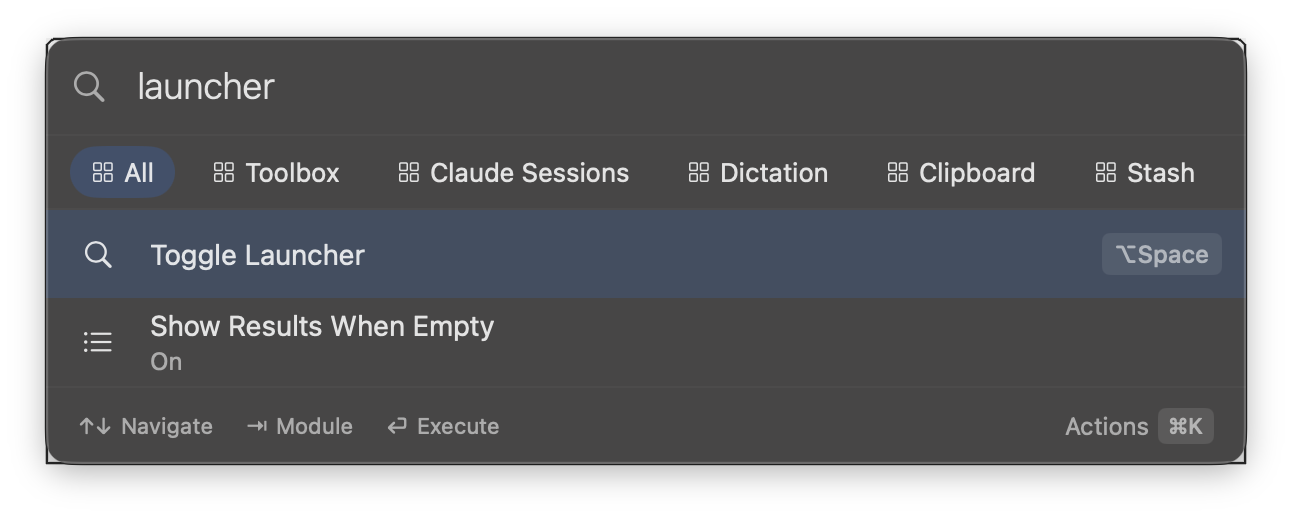
Want to change Whisper’s language? Type “language”. Paste mode? Type “paste”. Window snap? Type “snap”.
Everything is searchable. All features, all settings, from one place.
”I do this every day, make it one key”
You found an action in the command bar or menu bar. Hit ⌘K. Assign a hotkey. Done.
Now you do that action without opening the command bar, without going to the menu bar, with a single key. You don’t even think about it.
”Some things I use rarely, some things constantly”
Exactly why there are 3 layers.
- Use it a lot → assign a hotkey, make it reflexive
- Use it sometimes → type in the command bar, find it
- Use it rarely → discover from the menu bar
If going to the menu with a mouse annoys you → move to the command bar. If typing in the command bar feels like too much → assign a hotkey. The flow shapes itself around your usage frequency.
”Can I change settings from inside the command bar?”
Yes. The command bar isn’t just “open and run.” You can change settings, assign hotkeys, toggle things. All from the same place.
"language"     → Change Whisper language
"paste format" → Change paste format
"snap left"    → Snap window to the left
"toggle xdr"   → Toggle XDR mode on/off
Shortcuts
| Shortcut | What It Does |
|---|---|
| ⌥Space | Open/close command bar |
↑↓ | Navigate results |
Tab | Enter submenu |
↵ | Run |
| ⌘K | Assign hotkey / Actions |
Escape | Close |
Summary
| Pain | Difference |
|---|---|
| ”I don’t know what’s available” | Discover from the menu bar |
| ”I know what to do” | Type in the command bar, find it |
| ”I do this every day” | Assign a hotkey, one key |
| ”Some rarely, some constantly” | 3 layers, switch based on usage |
| ”Going to a menu to change settings” | Change directly from the command bar |