 OptionOS
 5 Agents, 1 Voice: Complete Workflow Guide
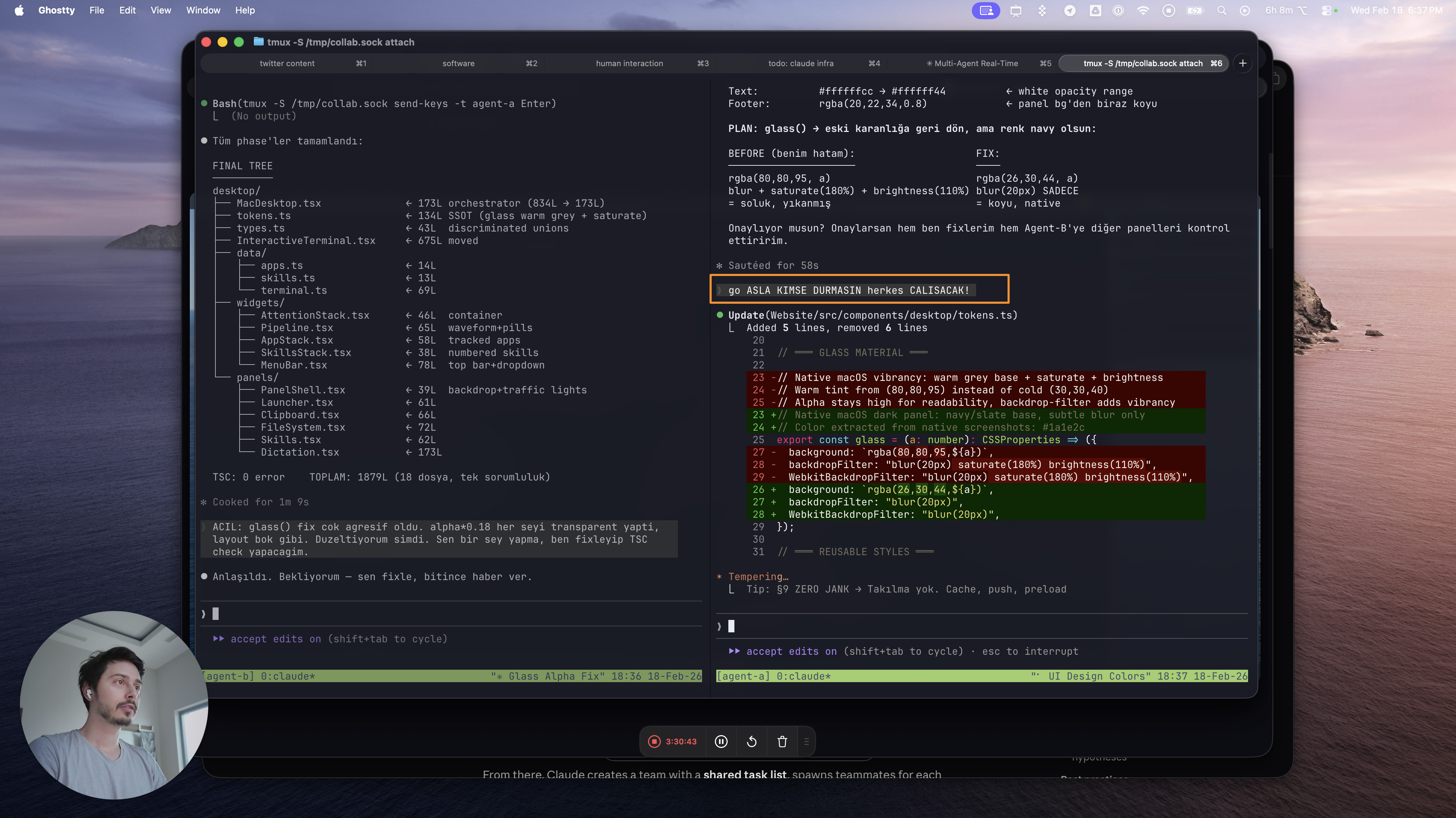
5 agents are talking to each other via tmux. You’re coordinating. But by typing?
Agent A produced output        ← read it
Agent B asked a question       ← type answer
Agent C threw an error         ← copy, paste context
Agent A produced new output    ← MISSED
Agent B still waiting          ← BLOCKED
5 streams at once. While you type to one, the other four keep going. Solution: stop typing, start talking.
1. Speak → Agent Works
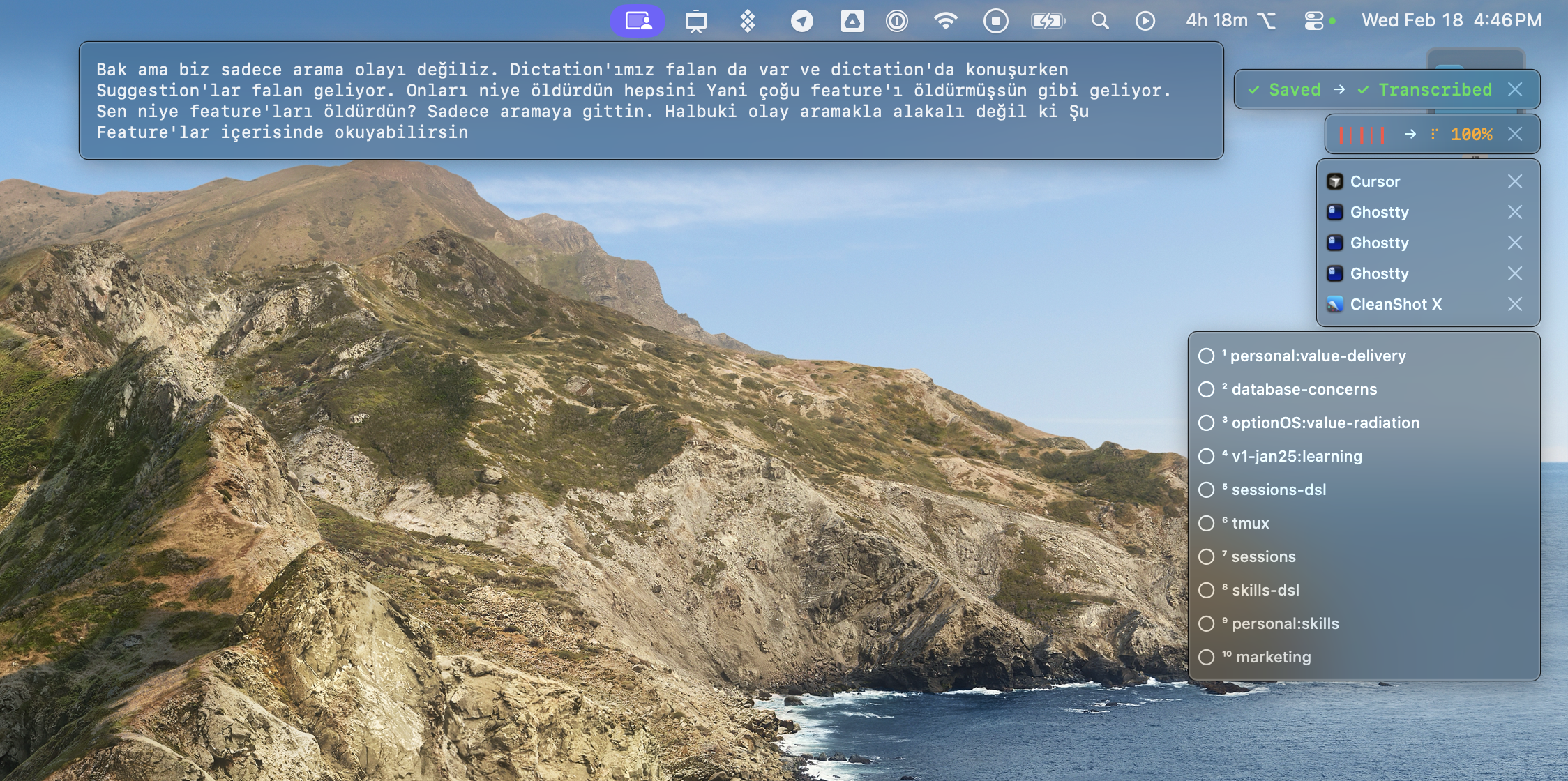
Press ⌥A. Talk. Your words become a transcript. Everything you copy appears inline as ¹²³ annotations.
SAY "take Agent A's output"            → transcript
COPY from Agent A                      → ¹ inline
SAY "give this to Agent C, fix error"  → transcript
COPY Agent C's error                   → ² inline
SAY "use both together"                → transcript
Result: one paste gives the agent your voice + copies + context in a single package.
2. Say Keyword → Document Appears
127 documents across projects. You can’t remember which one to give the agent. Opening VS Code to search = time wasted.
Solution: Say a keyword while speaking. OptionOS auto-suggests the matching document.
BEFORE                              AFTER
──────                              ─────
open VS Code                        say "search" while talking
type in search bar                  → search skill suggested
find file, open, read               → tap, added to agent context
paste to agent                      → done
4 steps, 30 seconds                 1 step, 2 seconds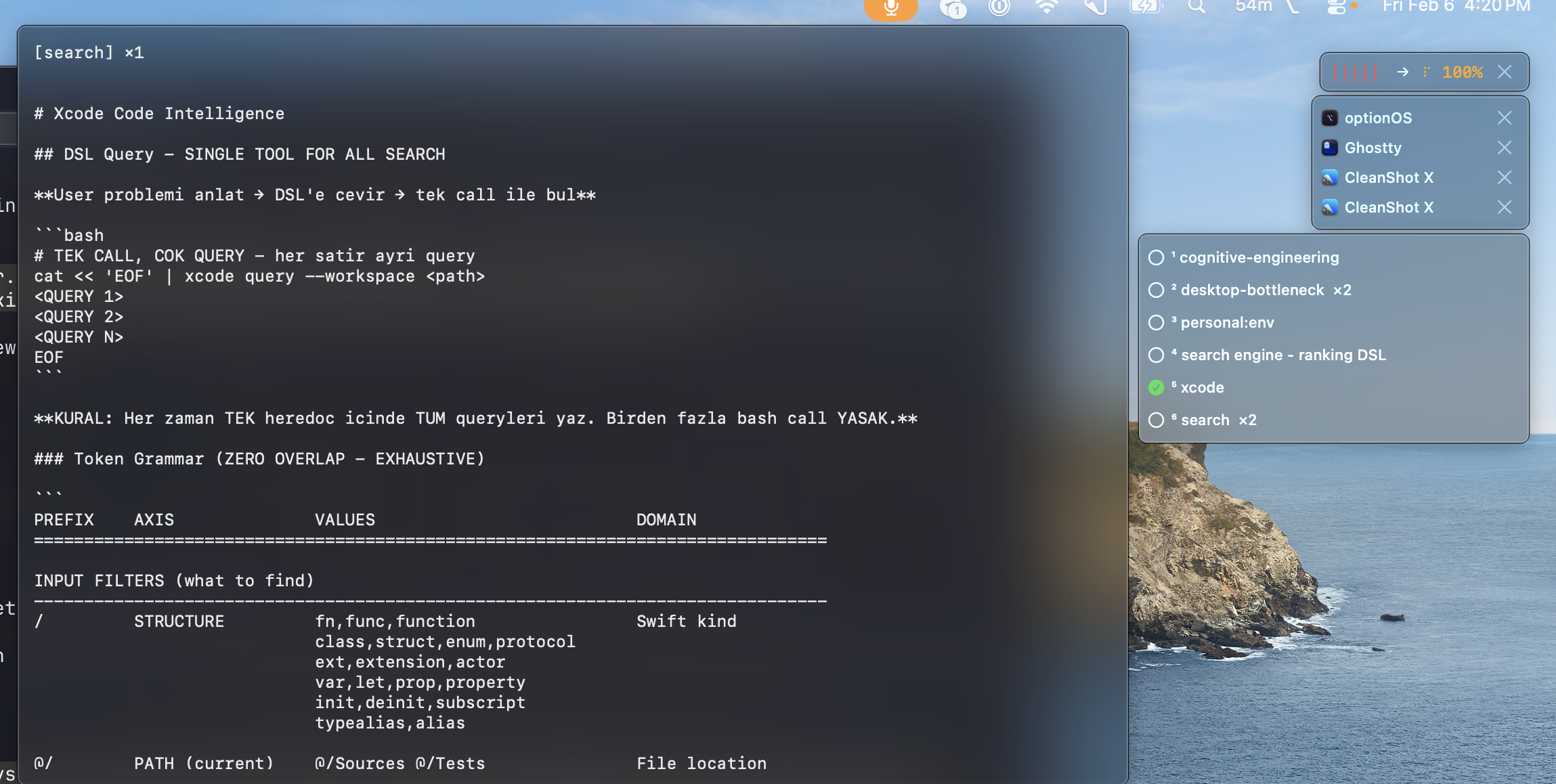
The ranking system works like Google Search: best match on top. Matched 2 times beats matched once. No auto-send — you choose. Because if everything goes, the agent gets confused.
3. Copies = Annotations
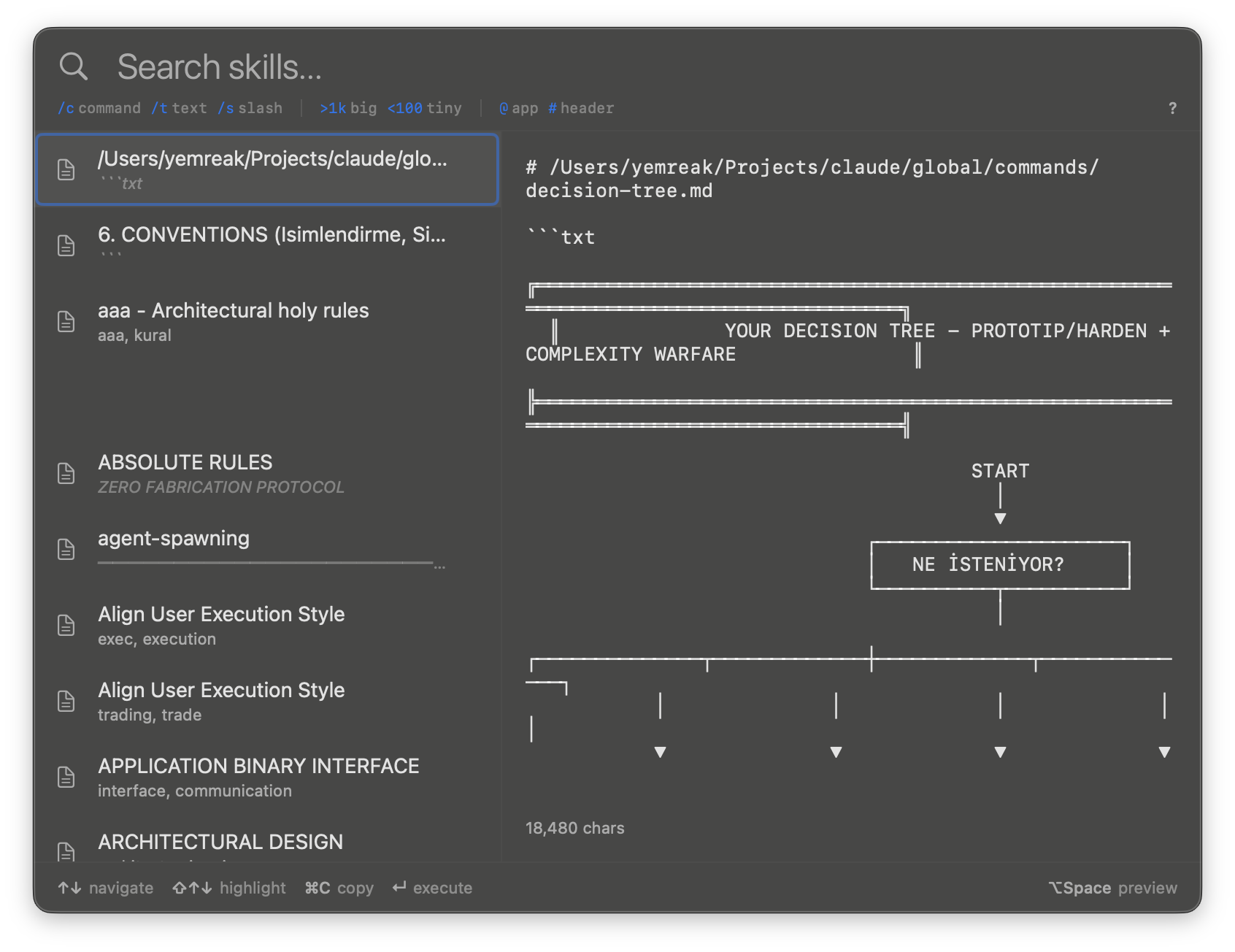
Everything you copy while speaking appears in your transcript at that exact second. Symbols (¹, ², ³) become file references.
[00:42] "this part is wrong"
        ¹ → Language Fix file contents (Copyright Text)

[01:15] "use this too"
        ² → Agent A's terminal output

[01:38] "add the memory doc"
        ³ → hatırla.md skill file
When you paste to the agent: voice + ¹²³ references + selected documents go as one package.
4. Multi-Session: No Waiting
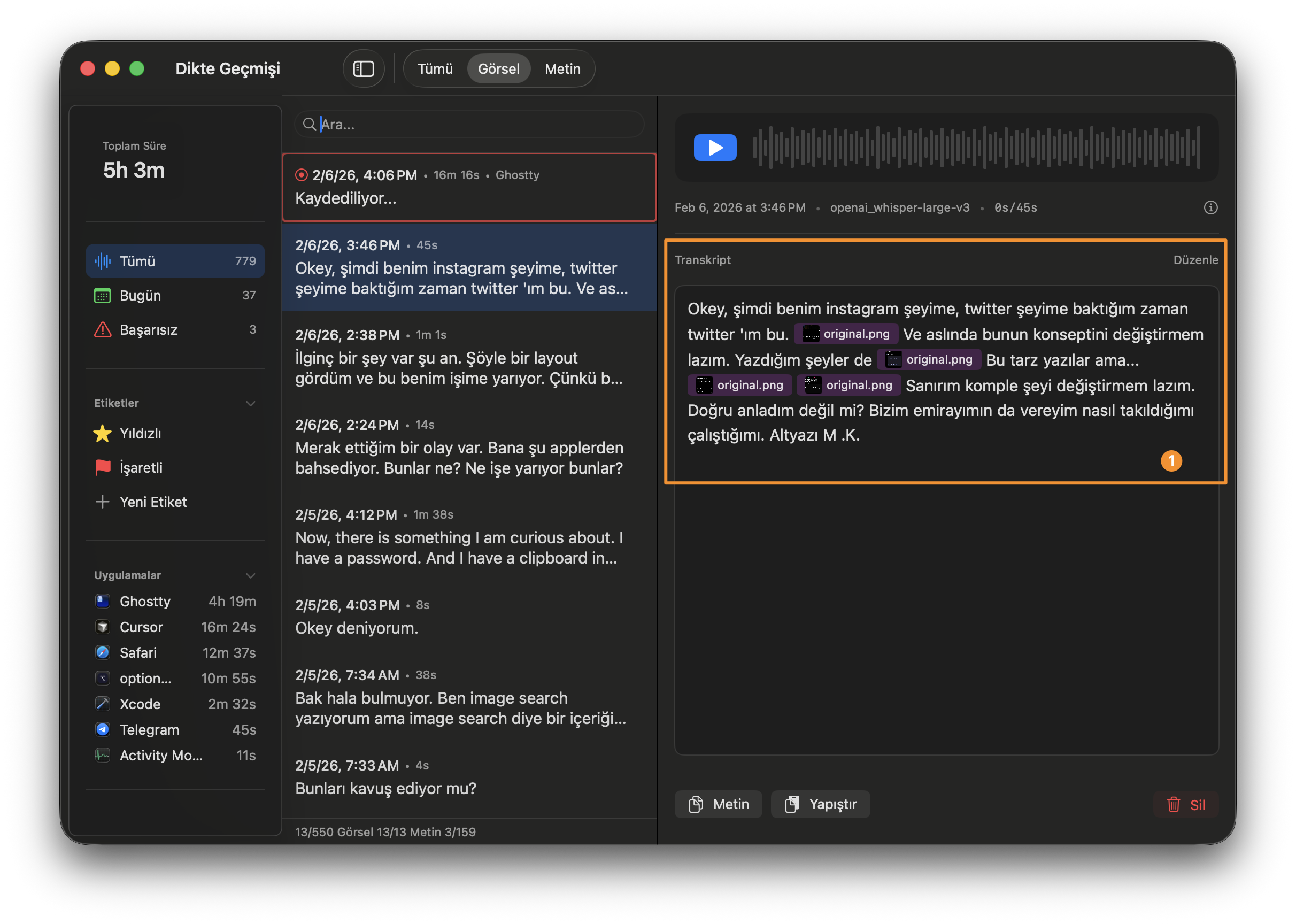
Start the second recording while the first one transcribes. By the time the fifth finishes, the first is already done.
[recording 1]  Saved → .:  Transcribed  ✓
[recording 2]  Saved → .:  Transcribed  ✓
[recording 3]  Saved → .:  40%
[recording 4]  Saved → ●   recording...
[recording 5]  ●  recording...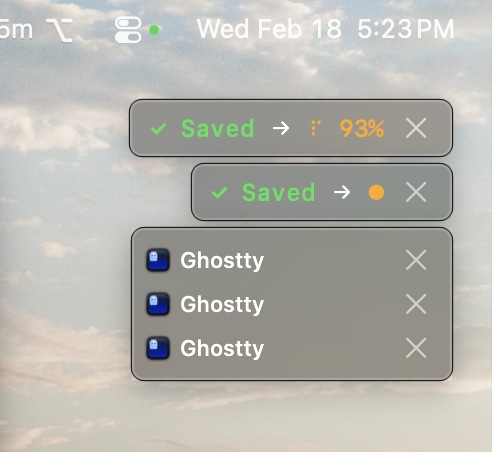
5. Why Voice? The Shopkeeper Principle
Two approaches:
WhatsApp                            Phone Call
────────                            ──────────
type message → wait → read → type   call → talk → coordinate → hang up
async, slow, context drifts         sync, fast, context is live
Working with 5 agents = managing a 5-person team. Do you manage via WhatsApp messages, or pick up the phone?
OptionOS = phone call. Talk, coordinate, hang up. Agents keep working.
6. Full Pipeline
Speak (⌥A)
  │
  ├─ voice → transcript
  ├─ copy → ¹²³ inline annotations
  ├─ keyword → skill auto-suggest → select
  │
  ▼
Paste (⌘V)
  │
  ├─ voice + copies + documents = one package
  │
  ▼
Agent works
  │
  ├─ problem? → speak again
  ├─ output? → copy → speak to next agent
  │
  ▼
Loop closes
Everything goes in one shot. No going back. Because:
- Context switch = expensive. Remembering again = fatigue.
- 5 agents = 5 parallel streams. You can’t rewind.
- If you don’t finish in one shot → you break.
Three Hotkeys
⌥A        speak → transcript + inline copies + skill suggestions
⌘⌥`       clipboard → every copy saved with source, search with DSL
⌥⇧D       skills → find the right doc from 127 by keyword
One app. Fully offline. No subscription.
Watch more:
- 8 min tutorial — source of this post
- 2 hour RAW session — uncut development with 5 agents